설명
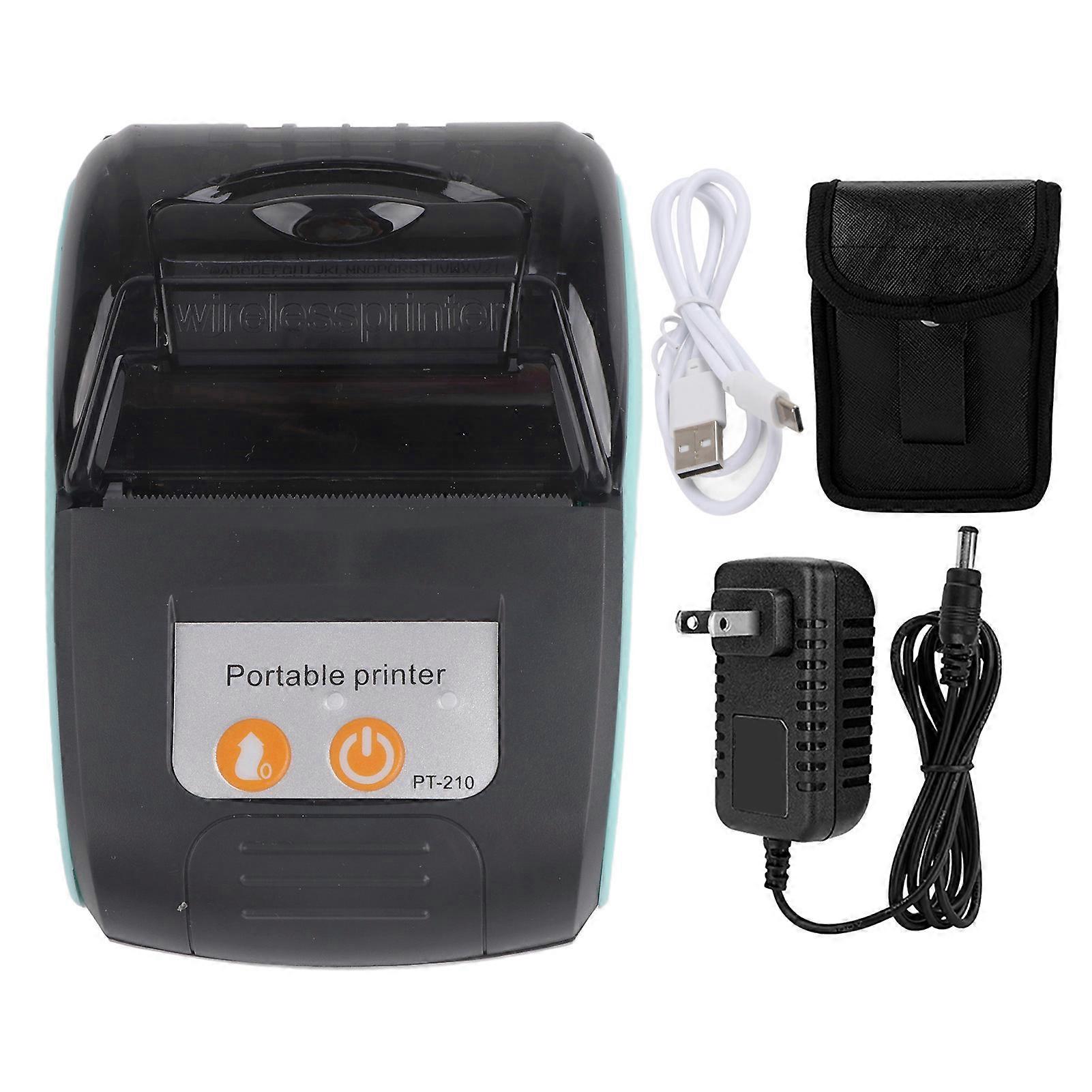
Wireless Portable Receipt Printer Bluetooth Thermal Bill Printer 58 mm 110240 V
Feature 1Support bluetooth 4.0, for Android, IOS and for Windows function, convenient for you to print data in the device wirelessly. 2High efficiency, printing speed can reach 5080mm/s, clear printing. Automatic sleep, automatic wake up, save electricity. 3Support the smartphone control, easy operation, improving the work efficiency (please download the APP in the store: for Android: CaysnPrinter, iOS: Printer x). 4Directly-heated type printers use thermal paper instead of ink. It is smaller, quieter, faster and more energy efficient than a dotmatrix printer. 5Taxi bill printing, management fee receipt printing, receipt printing, restaurant order information printing and so on. Small and light, easy to go out to work.Specification
Description:
Farewell to the traditional dotmatrix printer, now, we provide you with more efficient portable printers! Thismini bluetooth thermal printer is lightweight, with excellent connectivity and long battery life. Handheld dataprinting has made it successful in various fields. The printer can be powered by rechargeable batteries. Itscompact design allows you to put it in a package anywhere and anytime for easy use.
Features:
1. Support bluetooth 4.0, for Android, IOS and for Windows function, convenient for you to print data in the devicewirelessly.
2. High efficiency, printing speed can reach 50-80mm/s, clear printing. Automatic sleep, automatic wake up,save electricity.
3. Support the smartphone control, easy operation, improving the work efficiency (please download the APP inthe store: for Android: CaysnPrinter, iOS: Printer - x).
4. Directly-heated type printers use thermal paper instead of ink. It is smaller, quieter, faster and more energyefficient than a dotmatrix printer.
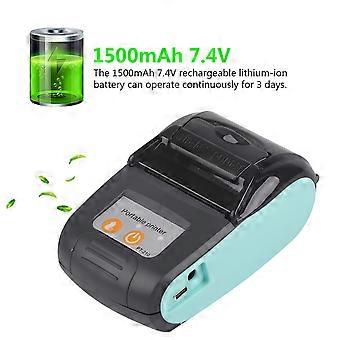
5. The 1500mAh 7.4V rechargeable lithium-ion battery can operate continuously for 3 days.
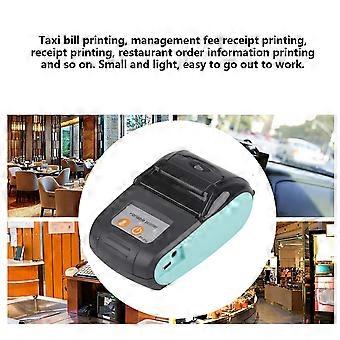
6. Taxi bill printing, management fee receipt printing, receipt printing, restaurant order information printing andso on. Small and light, easy to go out to work.
Specifications:
Printing method: Hot line printing
Bluetooth version: 4.0
Interface: Power jack, mini USB
Printing speed: 50 - 80 mm/s
Count of points per line: 384 points per line
Paper thickness: 0.05 - 0.1 mm
Paper width: 57 +/- 0.5 mm
Print width: 48 +/- 0.5 mm
Roll paper diameter: 25 mm
Life cycle time: 50 km (printing density below 12.5%) / 100 million pulses
Barcode types: UPC - A / E, EAN - 13/8, CODE39 / 93/128, TIF, CODABAR; 2D: QR code, PDF417
Operating temperature: -10C ~ 50C
Internal characters: ASCII(8 x 16, 9 x 17, 9 x 24, 12 x 24); GB18030 (16 x 16, 24 x 24)
Print command: ESC/POS compatible with the order set
Paper feed: Paper is easy to install.
Black mark testing: support
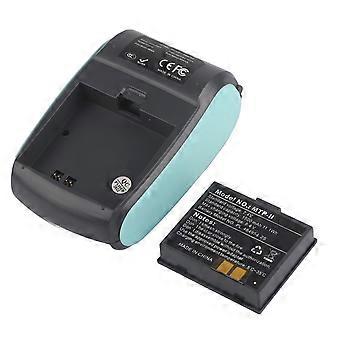
Battery: 1500mAh lithium ion battery (including)
Charging time: 2 - 4 hours
Standby time: 100 hours
Usage time: 3 days
Maximum resolution: 203DPI
Model: PT - 210
Type: thermistor
Product size: Approx. 11 * 8.8 * 4.1 cm / 4.33 * 3.46 * 1.61 inch
Packing weight: 437 g
Package Include:
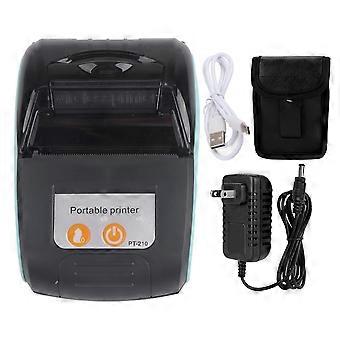
1 x Thermal Printer
1 x USB cable
1 x Optical Disk
1 x Thermal Printer Paper
1 x Power Supply
1 x Leather Case
1 x Instruction Book
Steps for connecting a mobile phone to a printer:1. Download and install APP (for Android: CaysnPrinter, for iOS: Printer-x), or other related APP.2. Put in the printing paper (the smooth side of the printing paper is the effective side, and the smooth side faces the print head) remove the battery and tear off the "brown high temperature tape" put the battery with the "brown high temperature tape" torn back into the printer long press "Power button" for 3 seconds to turn on the printer power open the downloaded APP on the phone set relevant permissions as prompted click "printer" click "not connected" find "MTP-2" in the pop-up "connect printer" list "(Ie "NAME" on the "Self-test page") click on "MTP-2" enter the PIN code "0000" (ie "PIN" on the self-test page) check whether the "Printer" list shows "Connected ", "Connected" is displayed, indicating that the Bluetooth has been successfully connected.3. "Self-check page" is attached inside the printer. If there is no "self-test page", you can print it yourself. The steps for printing the self-test page are as follows: power off load paper close the cover simultaneously press and hold the "paper feed button" and "power button" hear "2 drops" After the sound, release the two buttons the printer will print out the "self-test page".
Note:
Download the ''caysnprinter'' from the for Android Market, download ''printer-X''from the for Store.
.wang-edit-text{
font-family:'Arial' !important;
}
.wang-edit-text table {
border-top: 1px solid
-
Fruugo ID:
282819564-629331582
-
EAN:
4173085655802