설명
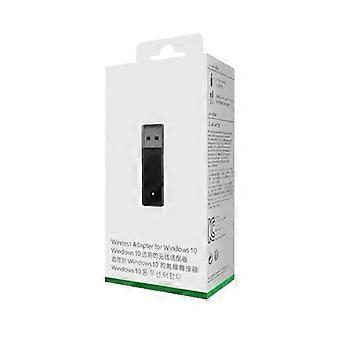
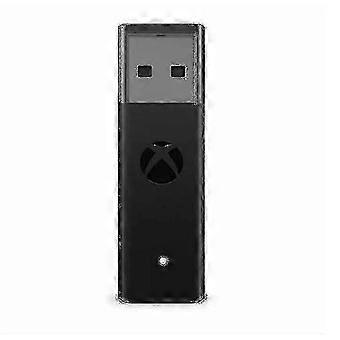
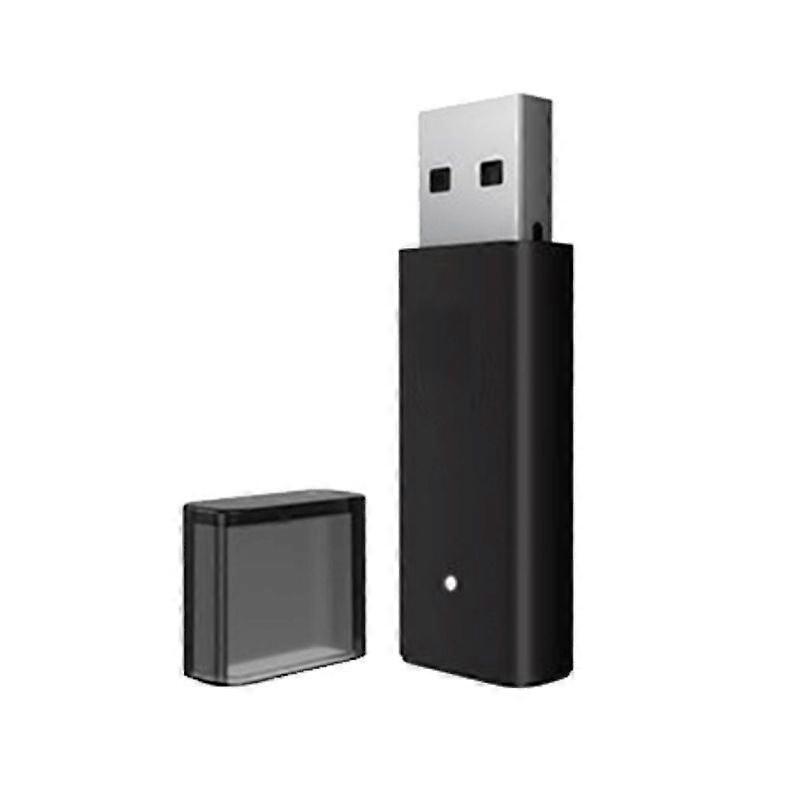
Wireless PC Wireless Adapter USB Receiver for Xbox One 2nd Generation Wireless For Windows 10
Features: 1. Compatibility: This wireless controller receiver adapter is designed for Xbox One Wireless Controller 2nd Generation. 2. Easy to use: The PC system will automatically recognize the receiver; full of practicality and convenience. 3. Simple operation: Install the battery, long press the 2 wireless connection buttons on the front and side of the controller, and the indicator light flashes quickly. 4. Portable and compact: light weight, small size, noble and high-end appearance. 5. Long-lasting durability: Made of high-quality ABS, it has higher reliability and longer service life. Specifications: Type: Wireless Controller Adapter Color: Black Material: ABS, Packaging: Color Box, Applicable Model: Applicable to Xbox One Wireless Controller 2nd Generation System Requirements: Only for Windows 10. Size; 11 * 6.2 * 2.5CM Weight; 23gWarm Tips: The computer can only be used if it is a Windows system!All ONE series controllers are universal. WIN7 64-bit and WIN8 need to manually update the driver (after plugging in the receiver, go to the device management to find XBOX ACC to manually update, and pair after the update is successful)Windows10 system automatically recognizes it, just pair it! The pairing method is as follows:[How to use] Plug in the receiver and the windows system will automatically recognize the receiver. Install the battery in the controller and long press the wireless connection button on the front of the controller (that is, the pairing button). At this time, the XBOX button will become a fast flashing state. Long press the wireless connection button on the side of the wireless receiver, and the indicator light will also flash quickly. Wait for the connection to succeed and you can use it![Notes] If your win system has been manually updated and still cannot be recognized or there is no vibration, this is a problem with your computer system! Please update the windows system patch of your computer. You can use the built-in windows update or 360 and other software to patch. Make sure all patches are applied, then restart the computer. The windows system will configure the patch by itself, and the problem can be solved!
-
Fruugo ID:
383903879-826161505
-
EAN:
9461769406235