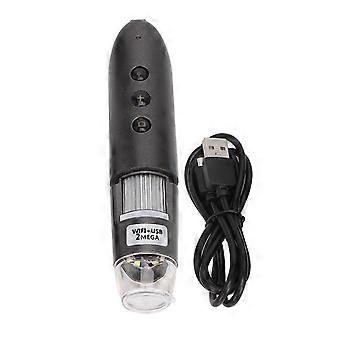
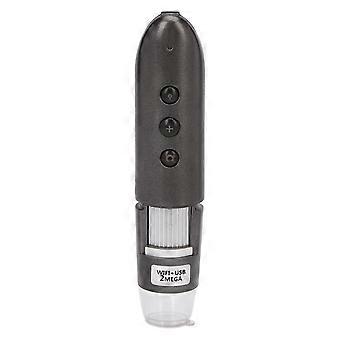
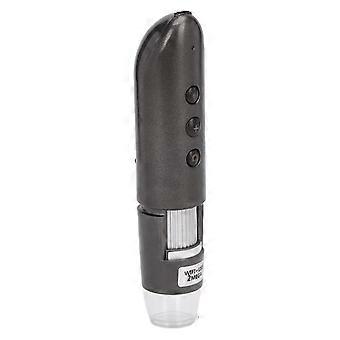
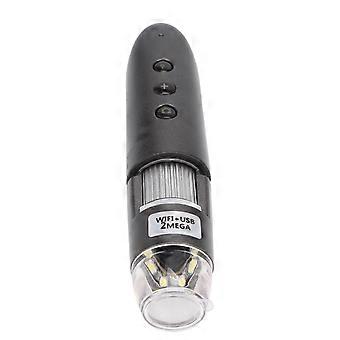
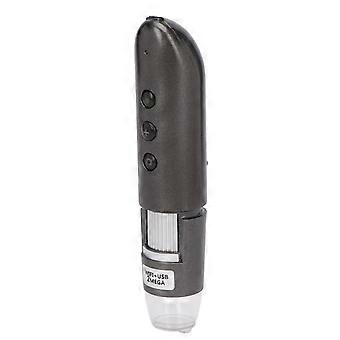
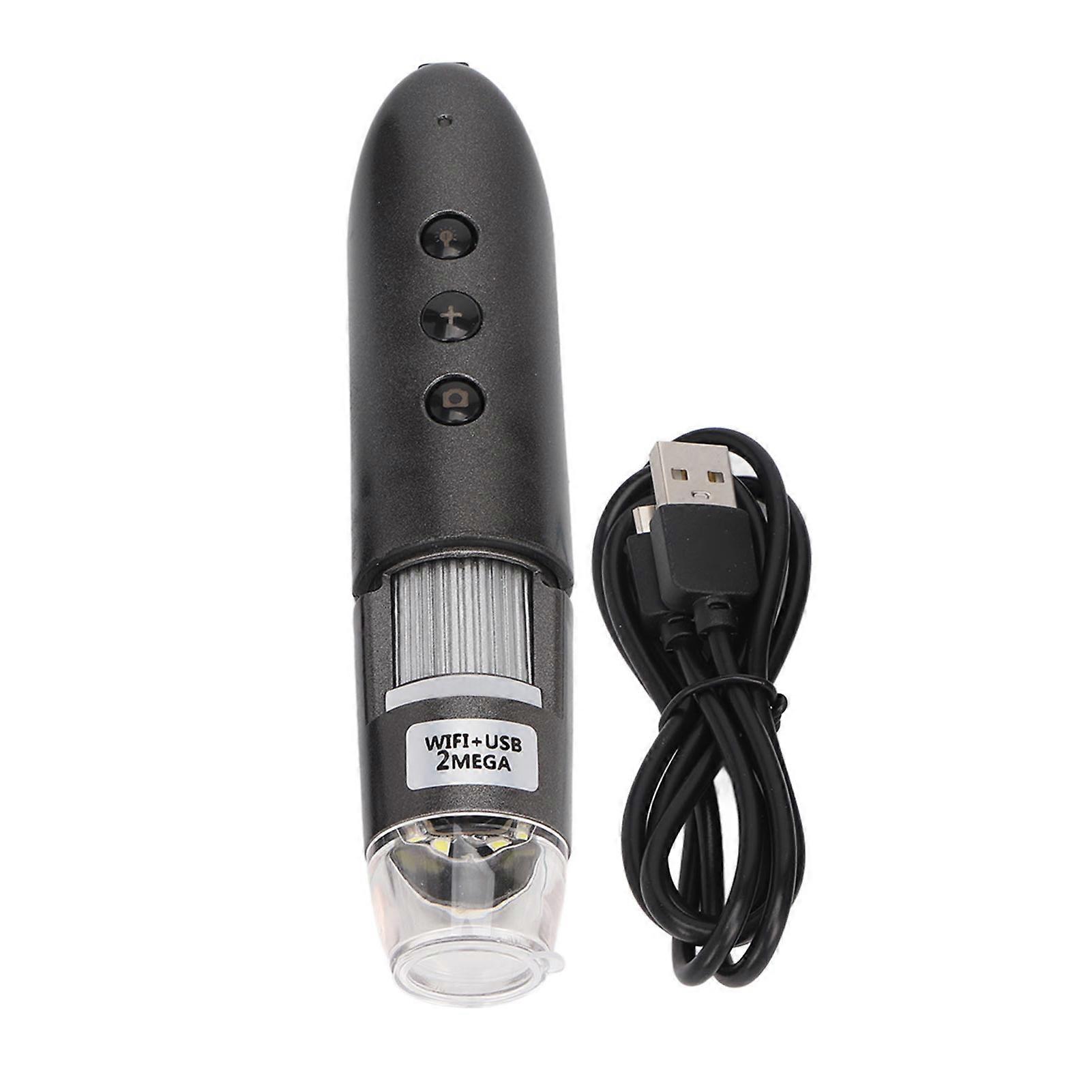
Wireless Digital Microscope 0X500X Magnification WiFi 2MP Camera USB Microscopes Camera for Tablet PC

₩144,090
무료 배송

Wireless Digital Microscope 0X500X Magnification WiFi 2MP Camera USB Microscopes Camera for Tablet PC

  • 브랜드: Unbranded
판매자::

Wireless Digital Microscope 0X500X Magnification WiFi 2MP Camera USB Microscopes Camera for Tablet PC

  • 브랜드: Unbranded

₩144,090

할인 ₩237,700 (62%)

권장소매가

₩381,790
재고 있음
무료 배송

14일 반품 정책

판매자::

₩144,090

할인 ₩237,700 (62%)

권장소매가

₩381,790
재고 있음
무료 배송

14일 반품 정책

결제 방법:

설명

Wireless Digital Microscope 0X500X Magnification WiFi 2MP Camera USB Microscopes Camera for Tablet PC

Item Type: Skin Hair ScalpDetectorMaterial: ABSSensor: CMOS 2MPCameraMaster Control Chip: Special master control 24BitDSPMagnification: 0X-500XPhoto/Video: SupportAuxiliary Light Source: WhiteLEDlight sourceStatic Resolution: 1920x1080, 1280x720, 640x480Image Resolution: 1920x1080, 1280x720, 640x480Optical Zoom: Manual zoomSupport System:ForAndroid4.0 or above, for IOS 8.0 or above, forWINDOWSXP/VISTA/7/8/10 32 bit and 64 bitBuilt inBatteryType:lithiumionbatteryBattery: 1400 mAhChargingTime: 5 hoursOperatingTime: 2.5 hoursChargingPower: Micro USB (5VDC)CDROM: ContainsAndroidAPP,Windowsdriver software, instructions for useProduct color:SilvergrayHost Size:Length: Approx. 160mm / 6.3inOuter Diameter: Approx. 33 mmLamp Chips Quantity: 8pcsOperating Instructions:1. UseWIFIUSB digitalmicroscopeon mobile devices2. Download APP: scan the QRcodeof the body, download and installWIFIImage3. Turn on the device:longpress theswitchbutton for 5 seconds to turn on the device, after 10 seconds the green light will be on and theWIFIfunction will start.4 APP use: connect theWIFIdigitalmicroscopeto your mobile device, open theWIFIsettings of your mobile device, find aWIFIhotspot named "WIFIImage" and click connect (no encryption) after successful connection back to the main interface of your mobile device. Find the installed "WIFIImage" APP icon and click Run.5. Use on PCpersonalcomputer.Connect the product directly to your computer via USB cable, put the installationCDinto theCDROM drive, open My Computer, double click theCDROM drive to run theCDROM, theCDROM run interface will appear, install the drivers and software shown in order, andMicrosoftSystem Net Component 4.0 (if your system is not installed), finally, restart your computer.
  • 브랜드: Unbranded
  • 카테고리: 연구
  • Fruugo ID: 239724966-515045129
  • EAN: 9078564821578

배송 및 반품

2일 이내에 발송됨

  • STANDARD: 무료 - 배달 사이 금 30 1월 2026–목 05 2월 2026 - 무료

중국에서 발송.

당사는 귀하께서 주문하신 제품이 주문 명세에 따라 빠짐없이 배송되도록 온 힘을 기울이고 있습니다. 다만, 주문하신 것과 다른 상품이 배송되거나 빠진 상품이 있는 경우, 또는 주문 내용에 만족할 수 없는 다른 이유가 있는 경우에는 주문 전체나 주문에 포함된 일부 제품을 반품하시고 해당 상품에 대해 전액 환불받으실 수 있습니다. 전체 반품 정책 보기

製品コンプライアンスの詳細

以下に概説されているこの製品に固有のコンプライアンス情報を参照してください。

以下の情報は、この製品を販売する独立したサードパーティ小売業者によって提供されています。

제조사:
다음 정보는 Fruugo에서 판매되는 관련 상품의 제조사 연락처입니다.

  • Jiang Zhenyang
  • An Qing Shi Zhen Yi Dian Zi Shang Wu You Xian Gong Si
  • Room 306, Building A, Yingdeli Business Garden
  • Anqing
  • CN
  • 246003
  • bodajin9658@163.com
  • 18668207440

EU 내 책임자:
다음 정보는 EU 내 책임자 연락처입니다. 책임자는 유럽 연합에서 판매되는 관련 상품에 대한 준수 의무에 책임을 지는 EU에 기반을 둔 지정 경제 주체를 말합니다.

  • e Vatmaster Consulting GmbH
  • e Vatmaster Consulting GmbH
  • RaiffeisenstraBe 2 B11
  • Rodgau
  • DE
  • 63110
  • contact@evatmaster.com
  • 49 61062699873