설명
USB Cable Tester with Quick Diagnostics, Multi-Interface, LED Indicators for iPhone Repair(DT3)
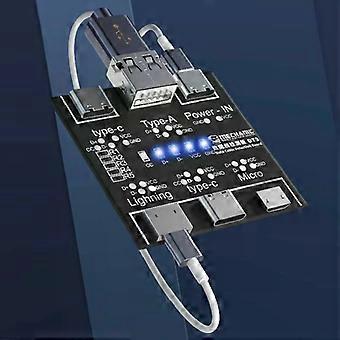
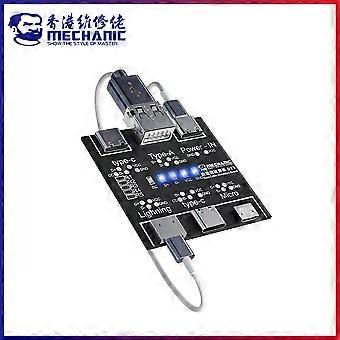
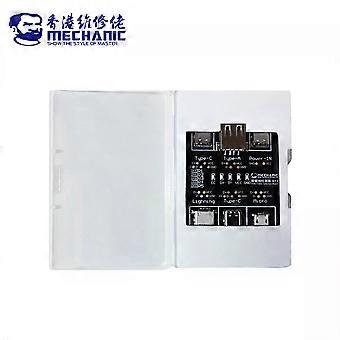
DT3 Data Cable Detection Board.
Why you need it.
- Quickly verify whether a charging or data cable is functioning correctly, saving time troubleshooting devices and avoiding repeated guessing about cable faults.
- Distinguish charging faults from data transmission faults so you can replace only the faulty cable instead of testing devices or chargers incorrectly.
- Small, lightweight, and portable so it is practical for repair shops, technicians, and everyday users who need reliable cable diagnostics.
What it does.
- Tests common cable types including Type-C to Type-C, Type-C to Lightning, USB to Lightning, USB to Type-C, and USB to Micro cables.
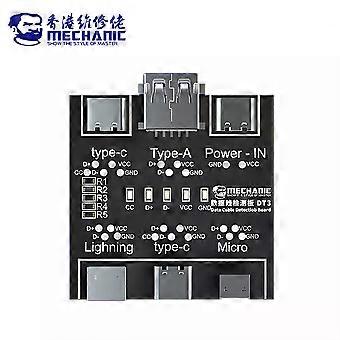
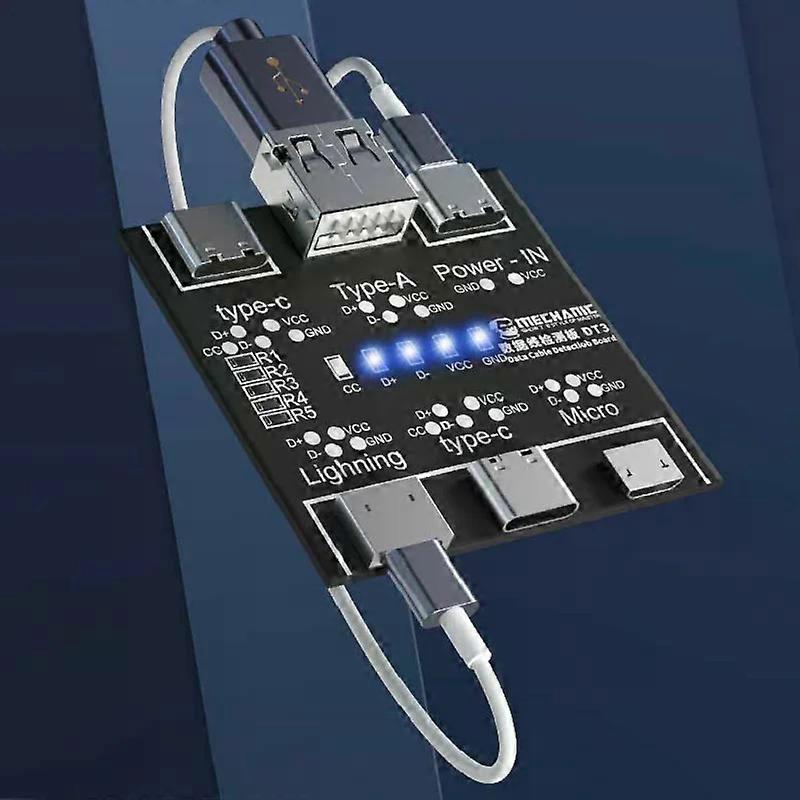
- Provides visual LED feedback to show whether power lines and data lines are present and correct, and includes a dedicated CC indicator for double-head Type-C cables.
Key specifications.
- Model: DT3 Data Cable Detection Board.
- Interface types: USB, Type-C 1, Type-C 2, Micro, Lightning.
- Power supply port: Type-C input.
- Output current: 1A.
- Output voltage: 5V.
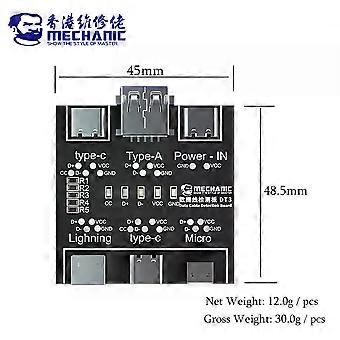
- Product size: about 48.5 x 45 mm.
- Package size: about 95 x 62 x 15 mm.
- Net weight: about 12.0 g per piece.
- Gross weight: about 30.0 g per piece.
Indicator light guide.
- Four indicator lights light up together to indicate a normal cable for most cable types.
- Double-head Type-C cables require all five indicators, including the CC indicator, to be on for a normal result.
- If VCC or GND indicator fails to light, the charging function of the cable is likely abnormal.
- If D+ or D- indicator fails to light, the data transmission function of the cable is likely abnormal.
- The CC indicator is used only for double-head Type-C cable detection and will not light when testing other cable types.
How to use.
- Connect a Type-C charging cable to the power supply port to power the tester.
- Insert one end of the cable under test into the appropriate input port on the board.
- Insert the other end of the cable into the appropriate output port on the board.
- Observe the indicator lights to determine whether power and data lines are functioning.
Precautions.
- Do not connect any other sockets or devices to the data cable during testing except the tester power supply port and the designated input and output ports, as additional connections may affect the test result.
- Use the correct ports for each cable type to ensure accurate detection.
Typical use scenarios.
- Repair shop technician diagnosing whether a customer cable is faulty before testing device ports or chargers.
- Warehouse or inventory check where batches of charging cables need rapid verification for power and data integrity.
- Home or office use to confirm whether a cable supports charging only or both charging and data transfer.
Design and handling.
- Compact and lightweight, designed for easy storage and transport.
- Simple operation with clear LED indications for quick diagnosis.
The DT3 Data Cable Detection Board offers straightforward, reliable cable testing with clear results to help technicians and users identify charging and data
-
Fruugo ID:
514257477-1049622703
-
EAN:
6258520753911