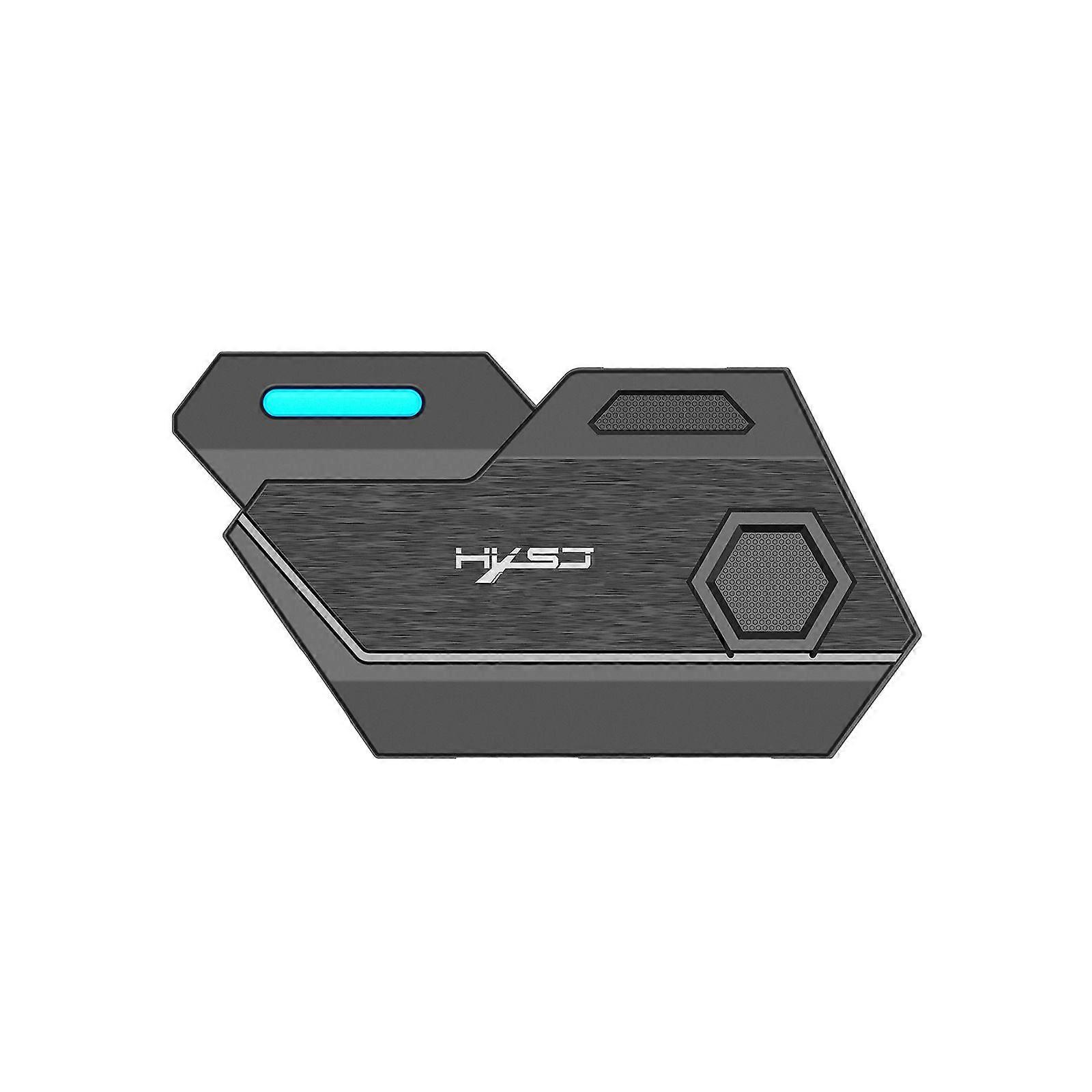
USB adapter, plug and play, mobile game adapter, controller game keyboard and mouse converter

₩31,190
+ ₩3,399 배송

USB adapter, plug and play, mobile game adapter, controller game keyboard and mouse converter

  • 브랜드: Unbranded

USB adapter, plug and play, mobile game adapter, controller game keyboard and mouse converter

  • 브랜드: Unbranded
가격: ₩31,190
판매자::
₩31,190
+ ₩3,399 배송

재고 있음

14일 반품 정책

결제 방법:

설명

USB adapter, plug and play, mobile game adapter, controller game keyboard and mouse converter

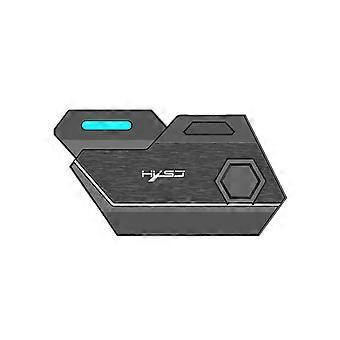
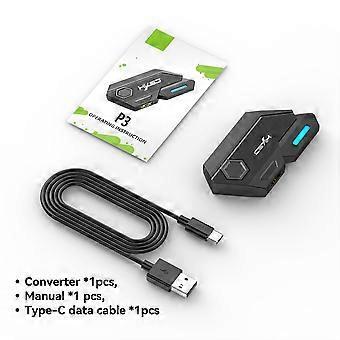
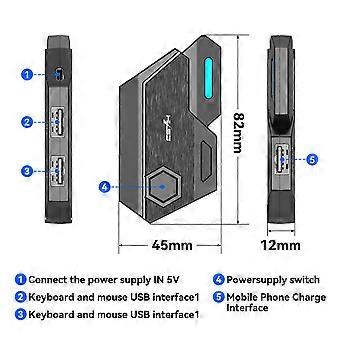
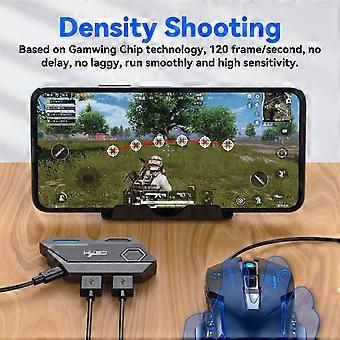
Product Introduction: Wired interface: USB Number of interfaces: 4PCS Data cable length: 80cm Data cable interface: TYPE-C Adaptation system: Android 6 or above Product weight: 21g Product size: 82*45*12MM P3 throne * 1 80cm TYPE-C Data Cable*1 User English manual*1 How to use: USAGE ON ANDROID DEVICES Step1: Scan the below QR code todownload "Geekgamer" app Step2: open "Geekgamer" app after installation Step3: Allow Usage Information access step4: Allow "Geekgamer" to drawover other apps (get floating window) Step5: Back to geekgamer homepage, clickDevice disconnectR to connect bluetooth Step6: Press "" Ctrl+ F1" combo button on yourkeyboard to shift android wireless mode (theLED indicator on Mix SE flashes in blue).clickMix Se-a-xx"to connect.(After connection,the led indicator on Mix SE lights in blue andDevice disconnect" will change to "Deviceconnected" in the geekgamer homepage.) Step7: Back to Geekgamer homepage to add game. Step8: Select the game you want to play from the list,PUBG Mobile for example. Step9: Back to the homepage to enter the game. Step10: Tap the floating icon on the upper left corner after entering the game. Step11: click "select . Step12: Choose PUBG Nomal keyboardclick "Active Config" and enjoy your game. Only support IOS system operation instructions below 13.4: Step1: Open the App Store Step2: Search and download "geekgamer" Step3: Open the Geekgamer app, click"Device disconnect" to settings to connect bluetooth. Step4: Press " Ctrl+ F2" combo button on yourkeyboard to shift ios wireless mode (the LEDindicator on Mix SE flashes in green).click "Mixse-i-xX" to connect. (After connection, the ledindicator on Mix SE lights in green and "Device disconnect" will change to "Device Connected" in the geekgamer homepage.) Step5: Back to Geekgamer homepage to add game. Step6: Click add to Select the game thatyou want to play from the list,PUBG MOBILE for Example. Step7: Click "Enter"to choose configurations. Step8: Choose preset defaultconfigurations and apply it. Step9: Back to your iPhone/iPadhomepage and open the original game and enjoy your game. Item No.1083468286
  • Fruugo ID: 102757692-216550995

배송 및 반품

24시간 이내에 발송됨

  • STANDARD: ₩3,399 - 배달 사이 수 21 1월 2026–금 30 1월 2026

중국에서 발송.

당사는 귀하께서 주문하신 제품이 주문 명세에 따라 빠짐없이 배송되도록 온 힘을 기울이고 있습니다. 다만, 주문하신 것과 다른 상품이 배송되거나 빠진 상품이 있는 경우, 또는 주문 내용에 만족할 수 없는 다른 이유가 있는 경우에는 주문 전체나 주문에 포함된 일부 제품을 반품하시고 해당 상품에 대해 전액 환불받으실 수 있습니다. 전체 반품 정책 보기

製品コンプライアンスの詳細

以下に概説されているこの製品に固有のコンプライアンス情報を参照してください。

以下の情報は、この製品を販売する独立したサードパーティ小売業者によって提供されています。

제조사:
다음 정보는 Fruugo에서 판매되는 관련 상품의 제조사 연락처입니다.

  • Shenzhen Qinwei Technology Co., Ltd
  • Qinwei
  • 705, Building B, Comprehensive Building, No.445, Bulong Road, Bantian Street, Longgang District
  • Shenzhen
  • CN
  • 518000
  • qinweikj@outlook.com
  • 17138300570

EU 내 책임자:
다음 정보는 EU 내 책임자 연락처입니다. 책임자는 유럽 연합에서 판매되는 관련 상품에 대한 준수 의무에 책임을 지는 EU에 기반을 둔 지정 경제 주체를 말합니다.

  • E-CrossStu GmbH
  • E-CrossStu GmbH
  • 69 Mainzer Landstrasse
  • Frankfurt am Main
  • DE
  • 60329
  • E-crossstu@web.de
  • 4969332967674