설명
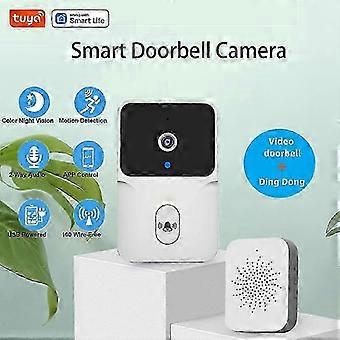
Tuya Smart Home Doorbell Camera WIFI Wireless Doorbell DC AC Battery Powered Camera Bell with Alexa Google Doorbell Camera
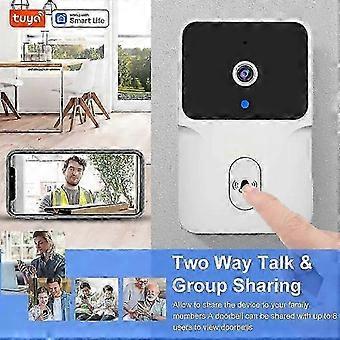
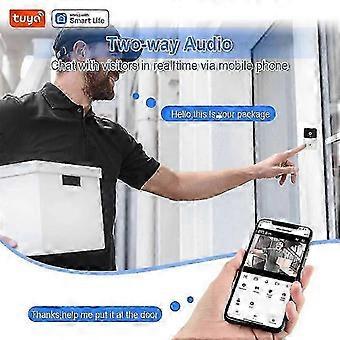
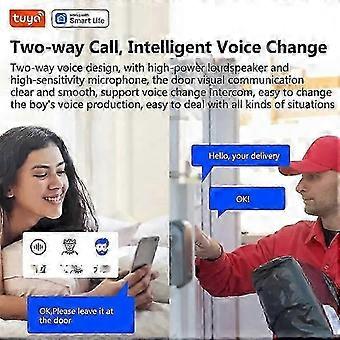
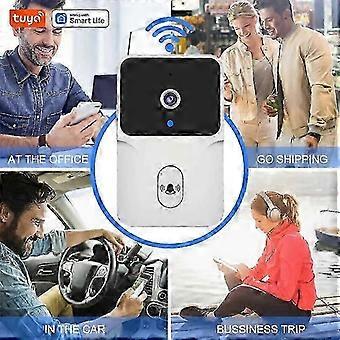
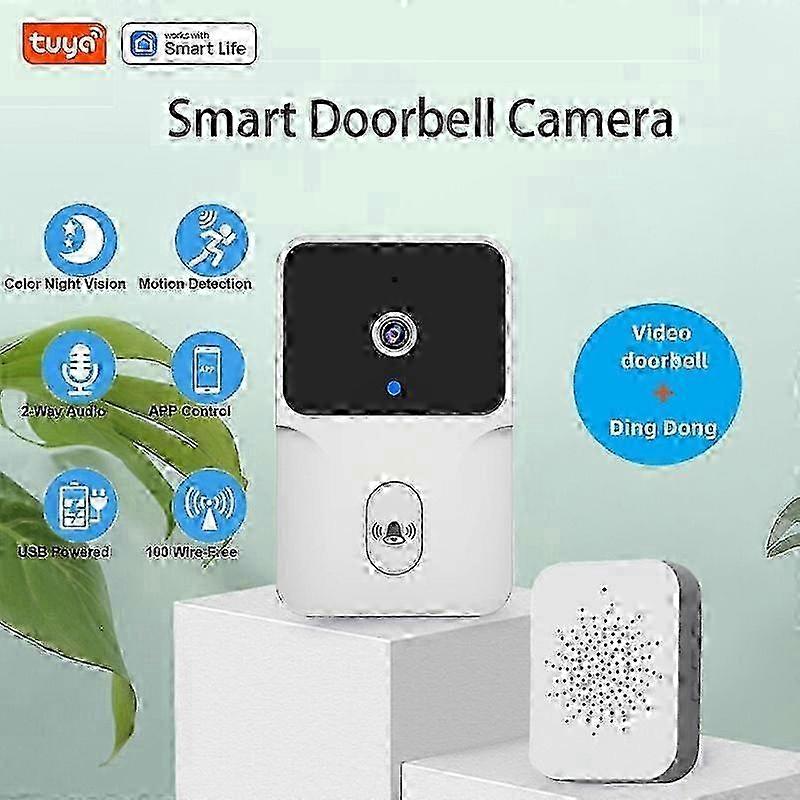
Tuya WiFi Video Doorbell USB Battery Type Doorbell Smart Home Security Doorbell 2-Way Audio Night Vision Camera Doorbell This product supports two-way talk, video calling, and doorbell sharing.Note: When the doorbell is succefully paired with Dingdong, there may be interference and noise when the doorbell device and your phone are on the same frequency in the same place, but it will not affect the use.The correct usage scenario is when a visitor prees the doorbell, the Dingdong device is used in a different location, and the doorbell is intended for the visitorand x27;s use, not for you to pre and answer/reply at the same time.Please note the following details:1.Before turn on WiFi, you should turn on BT in your phone first (Please follow the steps as video/user manual for next steps.)IAdd doorbell device:1. Turn on the bluetooth and location permiion functions of the mobilephone.2. Pre the doorbell button to start the device, and the work indicator blinksThe device enters the network mode.3. Open the APP enter the andquot;Home pageandquot;, click andquot;andandquot; on the upper right corner of3.the page, the APP will automatically scan and discover the device, clickandquot;Addandquot;.Note: a. lf the device is not automatically searched, please click andquot;Turn on Bluetoothandquot;in the picture below and set andquot;Allow device permiions near this applicationandquot;b. Acce permiion management, enable WLAN BT, and nearbydevices, and select Always Allow.4. After adding a doorbell, enter your 2.4ghz wirele network account andpaword and clickNext. When connecting, keep your router, mobile phone and doorbell as close as poible. After adding a doorbell, click andquot;Finishandquot;.(Note: If the connection is not succeful, please reset the device and reconnect)5. Fully charge the device and install it within the stable and effective range ofWiFi signal. The smart doorbell host is succefully added.IIDoorbell and ding Dong matching as followsSee below:1. Power on the ding Dong machine (The left of the picture below);2. Long pre the pairing button of ding Dong machine for 3 seconds (as shownin the picture), and the indicator blinks.3. Pre the doorbell button (The right of the picture below), ding Dong machine rings, that is, the matchis succeful. Features:Long Standby: No disaembly cycle charging. Built-in lithium-ion high-capacity battery, long standby. The doorbell is powered by built-in large battery, no need to charge frequently; and the chime is of USB power supply, easy and convenient for use.Video Call: Easy to deal with visiting guests, when someone prees the doorbell, the doorbell will push notification to the phone, and the owner can enter the phone video conversation interface.Portable Installation: Can be pasted and perforated. Support adhesive backing, no need to punch holes, while supporting hole punch installation. No plugging, convenient and hale-free.Capture Screen: Storage to the cloud, security protection drip. When a visitor prees the doorbell, it can capture the visitorand x27;s picture and save the record to the cloud, so that the cell phone APP can view the past pictures at any time, which is safer and more secure.Wirele Video Doorbell Camera: Support 2.4G WiFi and APP connection, 480P high resolution, presenting you clearer pictures andamp; videos and more details. 2-Way Audio: With built-in mic, you can see and talk to your visitors at anytime and anywhere.Night Vision: Built-in IR LED lamp beads and light sensor, the picture is clear at night; also can automatically switch to night mode from day mode after the ambient light drops down to 2 Lux. Strong and stable signal, easy to pair up, transmiion range up to 50 meters, ring tones and volume can be adjusted according your preference.Specification:Name: Smart DoorbellMaterial: ABS Plastic Electronic ComponentsColor: WhiteMax. Resolution: VGA, 640 x 480Video Coding Standard: MJEPGAudio Coding Standard: G711.AVideo Frame Rate: VGA
Note: Due to the light and screen setting difference, the item's color may be slightly different from the pictures. Please allow slight dimension difference due to different manual measurement.
-
브랜드:
Unbranded
-
카테고리:
도어 벨
-
Fruugo ID:
435528071-913410258
-
EAN:
9641128968967