설명
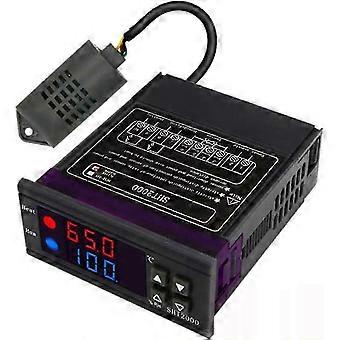
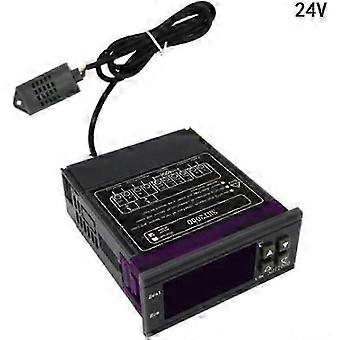
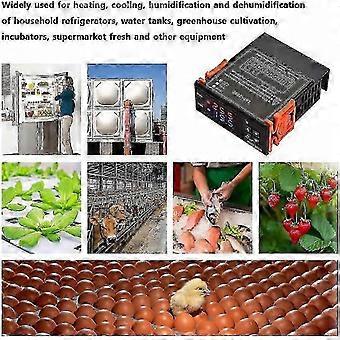
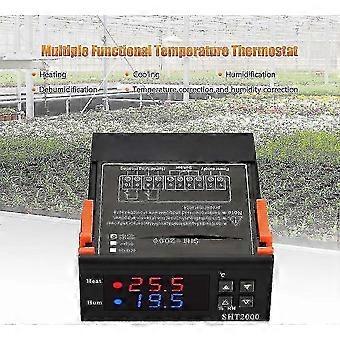
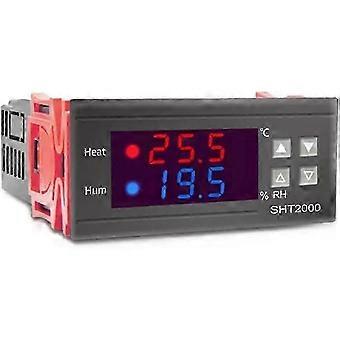
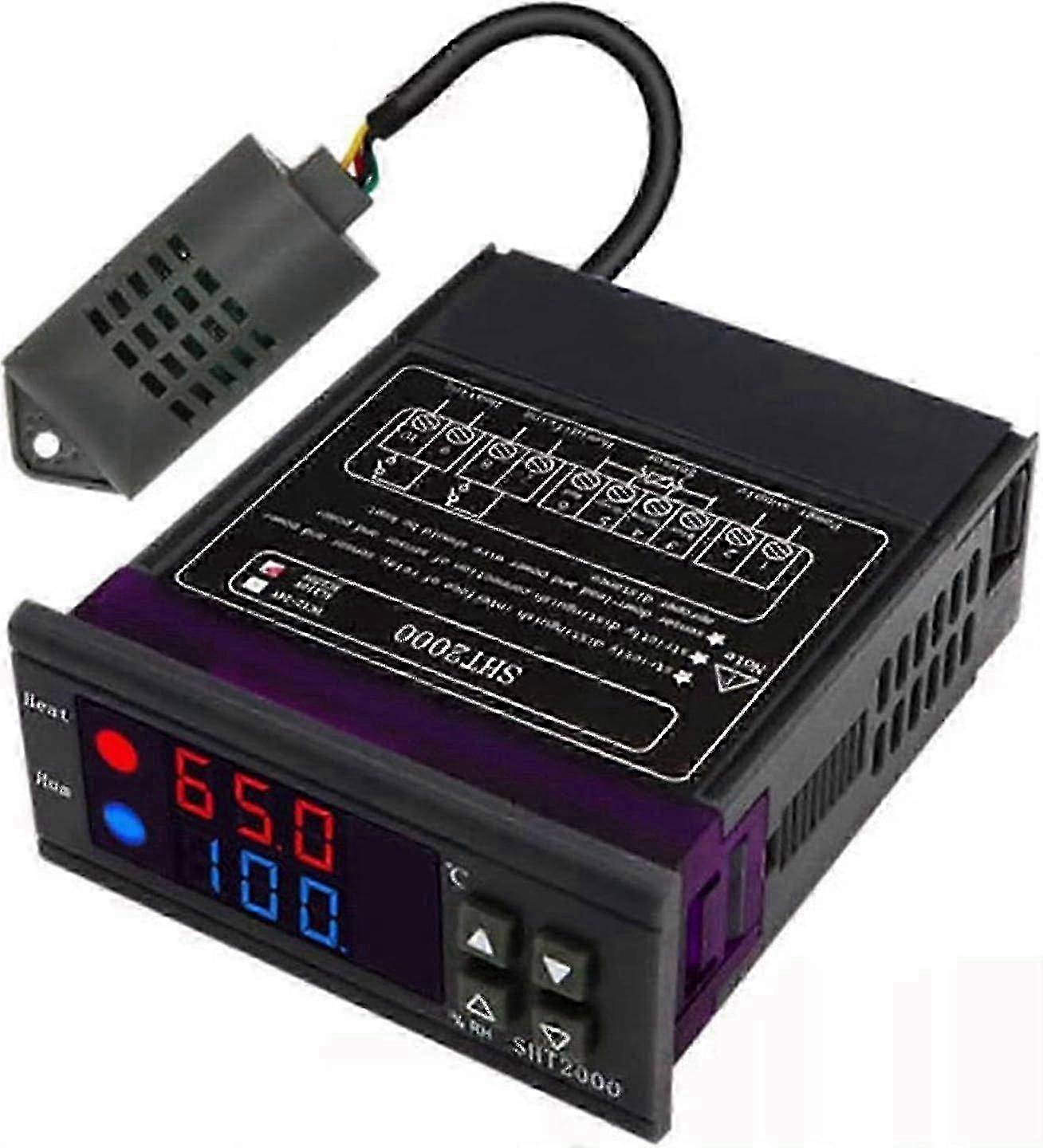
Temperature Controller 16 A, Used For Sht2000 Multi-purpose Digital Thermostat, With Temperature Sensor Probe, Celsius Display, Used For Heating/cooli
Durable and practical: SHT2000 is made of high-quality materials, which is durable and durable.
Intelligent digital display: The SHT2000 humidity and temperature controller has an intelligent digital display that can provide accurate and clear temperature and humidity readings.
Relay output: Equipped with relay output, SHT2000 can easily control connected devices with a maximum power of 10 A.
Easy to install and calibrate: With easy-to-use buttons and intuitive interface, setting the required temperature and humidity values is both fast and simple.
Packaging content: 1 thermostat
Features:
Product Name: Temperature and Humidity Controller.
Product model: SHT2000.
Power frequency: 50 or 60 Hz.
Temperature range: -20-60 C.
Humidity range: 0 percent -RH.
Temperature measurement accuracy: 0.3.
Humidity measurement accuracy: 3 percent .
Output control: Relay output.
Output power: maximum 10 A.
Setting method: Initial value.
Setting method: Start value>Stop value (the program automatically determines the operating mode as cooling or dehumidifier mode).
Set heating or cooling mode:
Setting mode (start temperature): Press and hold the button to start flashing temperature. Use the button to set the starting temperature value.
Setting (temperature stop): Press and hold the button to stop the temperature flashing. Use to set the stop temperature value.
Heating usage: Control the water heater, stop heating at 65 C, drop the temperature to 50 C, and start heating again
Step 1: Heating mode, start temperature.
Step 2: Press and hold the button to start flashing temperature. Use to set the startup temperature to 50 C.
Step 3: Press and hold the button to stop the temperature flashing. Use the button to set the stop temperature to 65 C, and the setting is complete.
Refrigeration use case: For farm use, the fan stops ventilation at 26 degrees Celsius, rises to 30 degrees Celsius, and starts ventilation again.
Step 1: Cooling mode, start temperature>stop temperature
Step 2: Press and hold the button to start flashing temperature. Use to set the startup temperature to 30 C.
Step 3: Press and hold the button to stop the temperature flashing. Use to set the stop temperature to 26 C. Adjustment completed.
Humidification or dehumidification mode settings:
Set (start humidity): Press and hold the humidity value key to activate the flashing humidity value. Set the humidity value by pressing the button. Set [Stop Humidity]: Press and hold the humidity value key to stop the humidity value, and set the humidity to stop at
Example of humidification: Supermarket fresh humidification, control the humidifier to start humidification at 50 percent relative humidity, and stop humidification at 80 percent relative humidity.
Installation steps:
Step 1: Press and hold the " button for 3 seconds to start flashing the humidity value, and set the initial humidity value to 50 percent RH.
Step 2: Press and hold the button for 3 seconds to stop flashing the humidity value. Set the value to 80 percent relative humidity. Once the setting is completed, the button will not work for 5 seconds and automatically return to the normal display state.
Dehumidification example: Exhaust dehumidification system, humidity 70 percent relative humidity starts dehumidification, humidity 40 percent relative humidity stops dehumidification
Installation steps:
Step 1: Press and hold the " button for 3 seconds to start flashing the humidity value, and set the initial humidity value to 40 percent RH.
Step 2: Press and hold the button for 3 seconds to stop the humidity value flashing, set the value to 70 percent relative humidity, and after the setting is completed, the button will not work for 5 seconds and automatically return to the normal display state.
Packaging content:
1 thermostat.
-
브랜드:
Unbranded
-
카테고리:
냉방
-
크기:
24V
-
Fruugo ID:
436354037-914690927
-
EAN:
6907965238773