설명
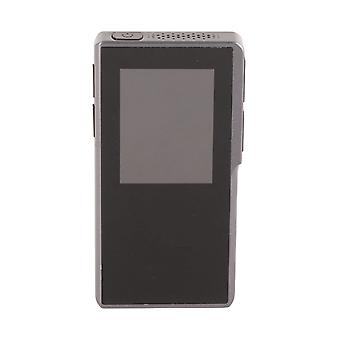
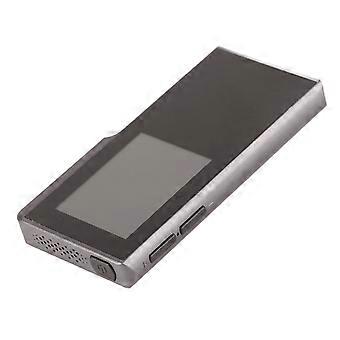
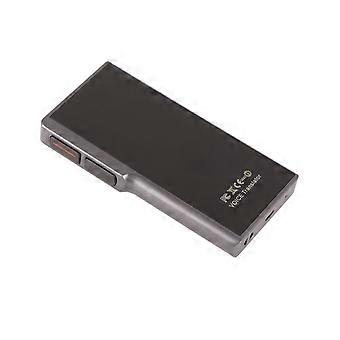
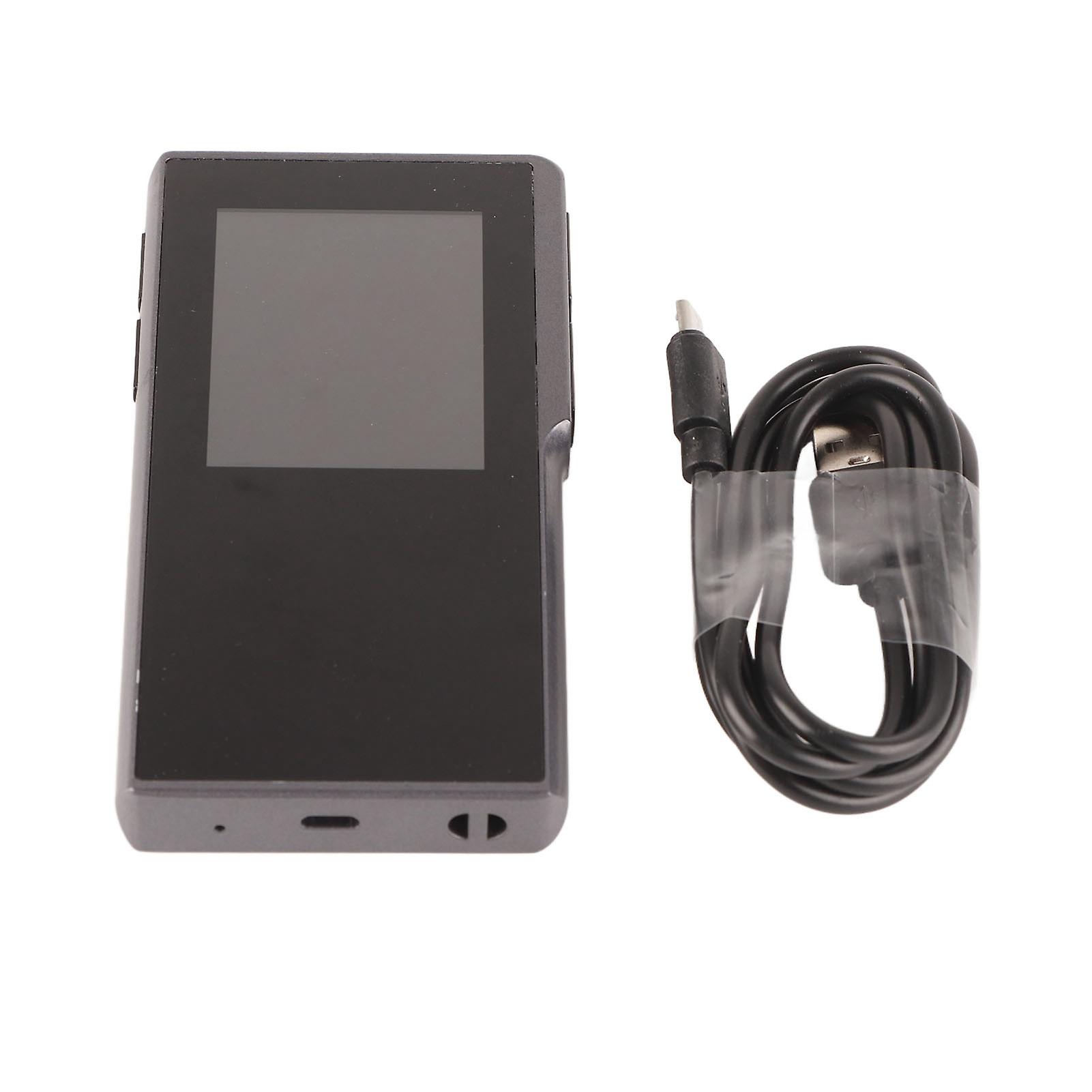
T6 Voice Translator Touch Screen Long Battery Life Networking Multi‑Language Voice Translation Machine
1、WIFI and hotspot network mode, fast connection to the network, translation anytime, anywhere.
2、4‑inch high‑definition touch screen, visual multi‑touch operation, real‑time display, audio and text synchronization.
3、Instant face‑to‑face translation and support for playback functions, making the translation process more convenient.
4、The touch screen can display speech to text and your translated text, making it easier to get the translated text.
5、1200mAh high‑capacity polymer battery, 7 days standby time after fully charged, 10 hours working time.
1 x Translator1 x USB Charging Cable1 x Manual
Item Type: TranslatorModel: T6 TranslatorMaterial: MetalNetworking Method: WiFi + Mobile HotspotLanguages: Chinese, English, Korean, Japanese, Russian, Hindi, Indonesian, Italian, Dutch, Portuguese, Serbian, Swedish, Thai, Tagalog, Turkish, Ukrainian, Urdu Languages, Vietnamese, German, Arabic, Greek, Spanish, FrenchScreen Size:
2.4 Inches Touch ScreenScreen Resolution: 320x240Battery: Lithium Battery 1200mAh (Battery Included)Standby Time: 7 DaysWorking Hours: 10 HoursHow to use:
1. Power on/off: Press and hold the power/standby button for more than 3 seconds, the screen will display the power on/off interface, and you can choose to power on/off and restart. Standby: Short press the power/standby button to wake up and standby operation.
2. Swipe left and right on the screen: The screen of the translator can be swiped left and right with your finger, and swipe left on the language translation interface to enter the content text details display interface; swipe to the right on the content text details display interface to enter the language translation interface.
3. Network connection: T6 intelligent language translator can be used normally only when it is connected to the Internet. It can be connected to wireless WIFI or mobile phone hotspot. In the initial main interface of booting, click the "Settings" button at the upper right to enter the "Settings" interface, and then, Click "WLAN" to enter the WIFI signal source selection interface, turn on the switch button behind "WLAN", search for nearby networks (if you don't see the network you want to connect to, you can try to close and then open it.) Click the WIFI you want to connect to, Enter the password and click "ok". Note: At present, the device only supports WIFI in the form of direct password input. For some hotels, the WIFI that needs to open the webpage for secondary authentication at the airport is temporarily not supported.
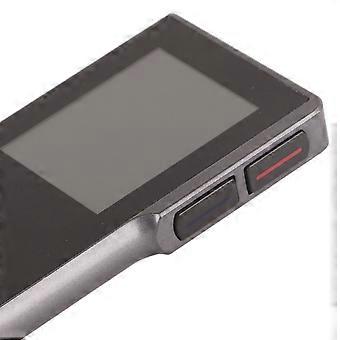
4. Language selection: In the language translation interface, the red at the top is the native language option, select the language you need; the blue at the bottom is the foreign language option, select the language of the other party you want to communicate with.
5. Language translation operation: In the language translation interface, confirm that your device has been connected to the network via WIFI (if long press the native/foreign language button and the microphone icon appears, it means that it is connected to the network, otherwise it is not connected to the network, please return to the WIFI setting page Reset). Long press the red button (native language button) and wait for the microphone icon to appear on the page and start speaking into the microphone position (native language). After speaking, release the native language button to automatically translate into the corresponding foreign language and play it out in the form of voice through the loudspeaker. When the other party wants to speak, you long press the blue button (foreign language button) and wait for the microphone icon on the page to start speaking (foreign language). After the other party finishes speaking, release the foreign language button to automatically translate and play the corresponding native language.
6. System language setting: In the initial "translation machine main interface", click the "Settings" button in the upper right corner to enter the "Settings" interface, click "System language settings" to enter the system language selection, and slide up and down to select the operating system you need Language.
-
브랜드:
Unbranded
-
카테고리:
전자 사전
-
Fruugo ID:
354893561-771670581
-
EAN:
9349522448534