설명
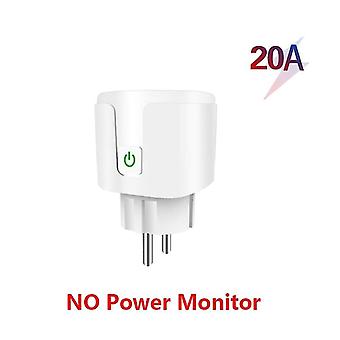
Smart plug socket 20a Wifi European plug with power monitoring European plug Tuya Smart Life App Sma
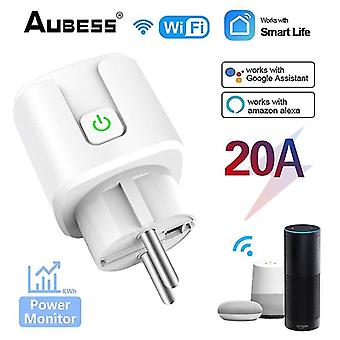
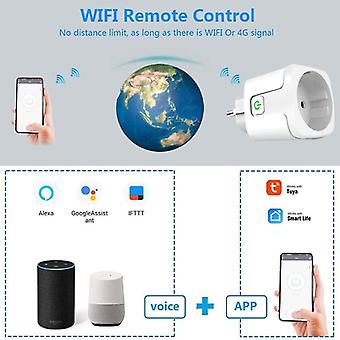
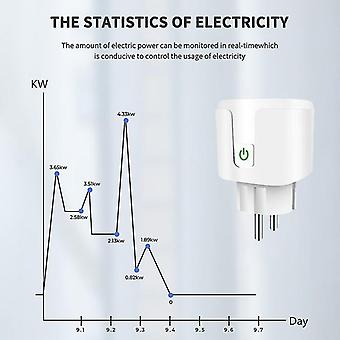
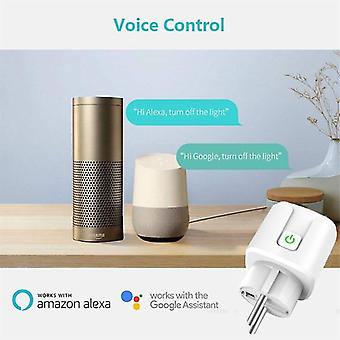
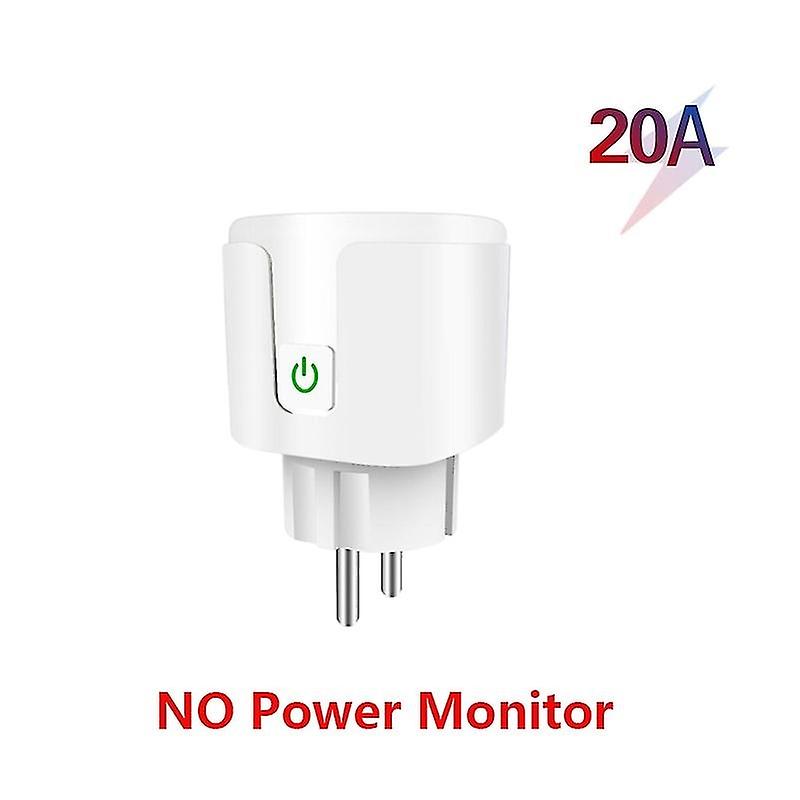
Smart plug socket 20A WiFi European plug with power monitor European plug Tuya Smart Life APP Smart Home Automation with Alexa Google Description: Product Description 1. European smart socket can be remotely controlled by connecting to a WiFi router2. The shell material is ABS PC fireproof shell material 3. The network uses WPA/WPA level 4. No gateway required5. Shared Control - Control your smart home 6 with your family. Support Yandex Alice voice control product features 1.20A high power is only applicable to sockets with this function. Calculated based on 220V voltage, the maximum power can reach 4400W, which can be used for water heaters, air conditioners, and other high-power equipment. It is safer than 16A and has more application scenarios. 2. Power Statistics View energy reports to correctly track energy usage around the home. Understand which devices consume the most energy and develop a plan to save energy and electricity bills. 3. Overcharge protection If the power is exceeded, the power will be automatically cut off to protect appliances and maximize service life. 4. Set a schedule to turn on and off connected devices at designated times. Schedule a living room fan to turn on in the morning, or schedule your child's lights to turn off so they know it's time to go to bed. The countdown feature allows you to set a timer that automatically shuts off so you don't have to worry about unplugging your device. 5. The voice control smart plug can be used with Alexa and Google Assistant supported devices for easy voice control. 6. No gateway required The smart plug plug works with any secure 2.4 GHz wireless network and does not require a separate gateway. 7. The Smart Life app works with many smart home devices, allowing you to easily control your home from any Android or iOS device. < 8. Applicable scenarios: living room, office, study, kitchen, bedroom, etc. Operation method APP Tuya/Smart Life Download the APP (Tuya/Smart Life) through the app store 1. Connect to the power socket. 2. Press and hold the switch button on the socket for 5-10 seconds until the indicator light on the switch flashes. 3. Open the APP and click Add socket to connect. 4. Follow the prompts on the APP to complete the operation step by step.
-
Fruugo ID:
297264756-665086969
-
EAN:
6412516816350