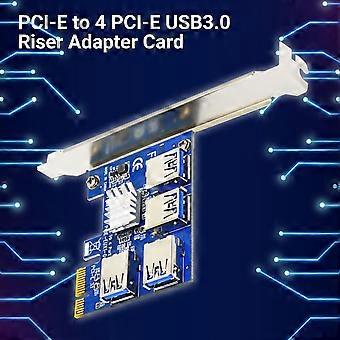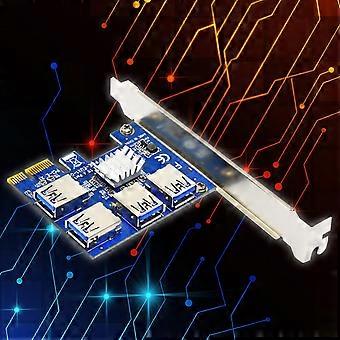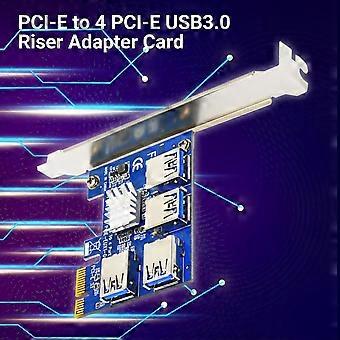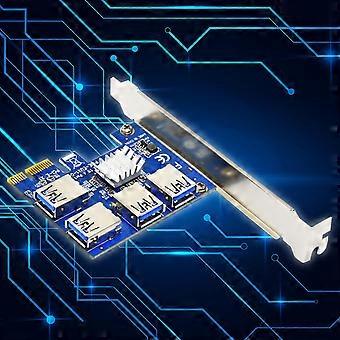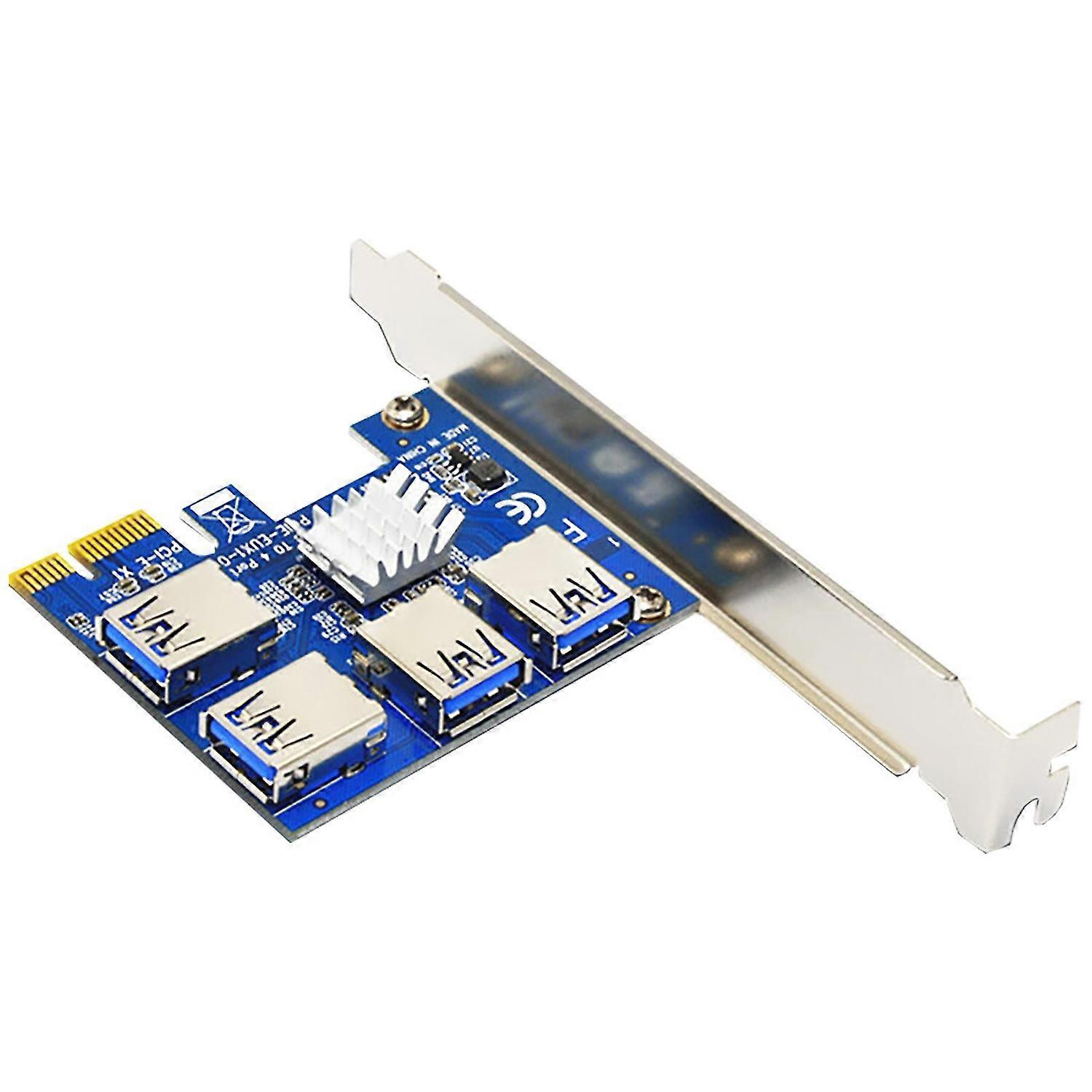
Riser Card Extender Quick Transmission Stable Output Plug Play PCI-E to 4 PCI-E USB3.0 Riser Adapter

₩76,290
무료 배송

Riser Card Extender Quick Transmission Stable Output Plug Play PCI-E to 4 PCI-E USB3.0 Riser Adapter

  • 브랜드: Unbranded

Riser Card Extender Quick Transmission Stable Output Plug Play PCI-E to 4 PCI-E USB3.0 Riser Adapter

  • 브랜드: Unbranded
희망소매가격: ₩137,390
가격: ₩76,290
절약 금액: ₩61,100 (44%)
판매자::
₩76,290
무료 배송

재고 있음

14일 반품 정책

결제 방법:

설명

Riser Card Extender Quick Transmission Stable Output Plug Play PCI-E to 4 PCI-E USB3.0 Riser Adapter

The installation of the riser card extender is easy and convenient because it is plug and play.Supporting stable and quick transmission, the riser card extender is practical and useful.Made of PCB material, the riser card extender is reliable, anti-corrosive and eco-friendly to use.The length of the riser card extender is 6.4cm and width is 5.6cm.The riser card extender is expecially suitable for computer.Item Name: Riser Card ExtenderMaterial: PCBFeatures: Easy Installation, Stable Output, CompactSize Details: 6.4cm x 5.6cm/2.52" x 2.2" (Approx.)Notes:Due to the light and the screen setting difference, the item's color may slightly differs from the pictures.Please allow slight dimension difference due to the manual measurement.The PCI-E card is not inserted into the anti-card because inserting the anti-card can easily cause burnout.Usage:1, When using the riser card extender, the computer must be turned off before inserting it.2, The riser card extender is connected to the PCI-E slot of the motherboard. Use a USB3.0 data cable to connect both ends of the two USB ports, then connect the power supply.3, After completing the above two steps, first do not rush to insert the riser card extender, start the computer to see if your computer has been recognized the card as a vertical card, if you can’t find the card, please repeat the above operation. When your computer recognizes the card, the blue LED slot lights up normally, and the computer device manager on the system device will show that a few "standard PCI-A-PCI bridges" have been added.4, After completing the above three steps, turn off the computer, connect the riser card extender and be careful not to insert other cards.5, Last start the system and install the PCI-E card driver.Package Includes:1 x Riser Card Extender
  • Fruugo ID: 314268110-700749265
  • EAN: 3401013053170

배송 및 반품

24시간 이내에 발송됨

  • STANDARD: 무료 - 배달 사이 목 22 1월 2026–월 02 2월 2026 - 무료

중국에서 발송.

당사는 귀하께서 주문하신 제품이 주문 명세에 따라 빠짐없이 배송되도록 온 힘을 기울이고 있습니다. 다만, 주문하신 것과 다른 상품이 배송되거나 빠진 상품이 있는 경우, 또는 주문 내용에 만족할 수 없는 다른 이유가 있는 경우에는 주문 전체나 주문에 포함된 일부 제품을 반품하시고 해당 상품에 대해 전액 환불받으실 수 있습니다. 전체 반품 정책 보기

製品コンプライアンスの詳細

以下に概説されているこの製品に固有のコンプライアンス情報を参照してください。

以下の情報は、この製品を販売する独立したサードパーティ小売業者によって提供されています。

제조사:
다음 정보는 Fruugo에서 판매되는 관련 상품의 제조사 연락처입니다.

  • Wujiang Bangda Jingmiwujin Youxiangongsi
  • Wujiang Bangda Jingmiwujin Youxiangongsi
  • Wujiang jingjikaifaqu Tonglizhen Tunnancun
  • Yanganglu555hao
  • Wujiang
  • China
  • 215216
  • cs_wei001@163.com
  • 176 6526 4133
  • https://www.fruugo.co.uk/wujiang-bangda-jingmiwujin-youxiangongsi/m-13744?sorting=recencydesc

EU 내 책임자:
다음 정보는 EU 내 책임자 연락처입니다. 책임자는 유럽 연합에서 판매되는 관련 상품에 대한 준수 의무에 책임을 지는 EU에 기반을 둔 지정 경제 주체를 말합니다.

  • Y & H S.R.L.
  • Y & H S.R.L.
  • Via Gravina 21 MT matera,Trani,Puglia
  • Puglia
  • Italy
  • 75100
  • itlyhsrl@gmail.com
  • 393917722149
  • https://www.fruugo.co.uk/wujiang-bangda-jingmiwujin-youxiangongsi/m-13744?sorting=recencydesc