설명
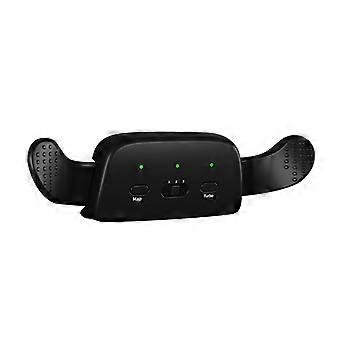
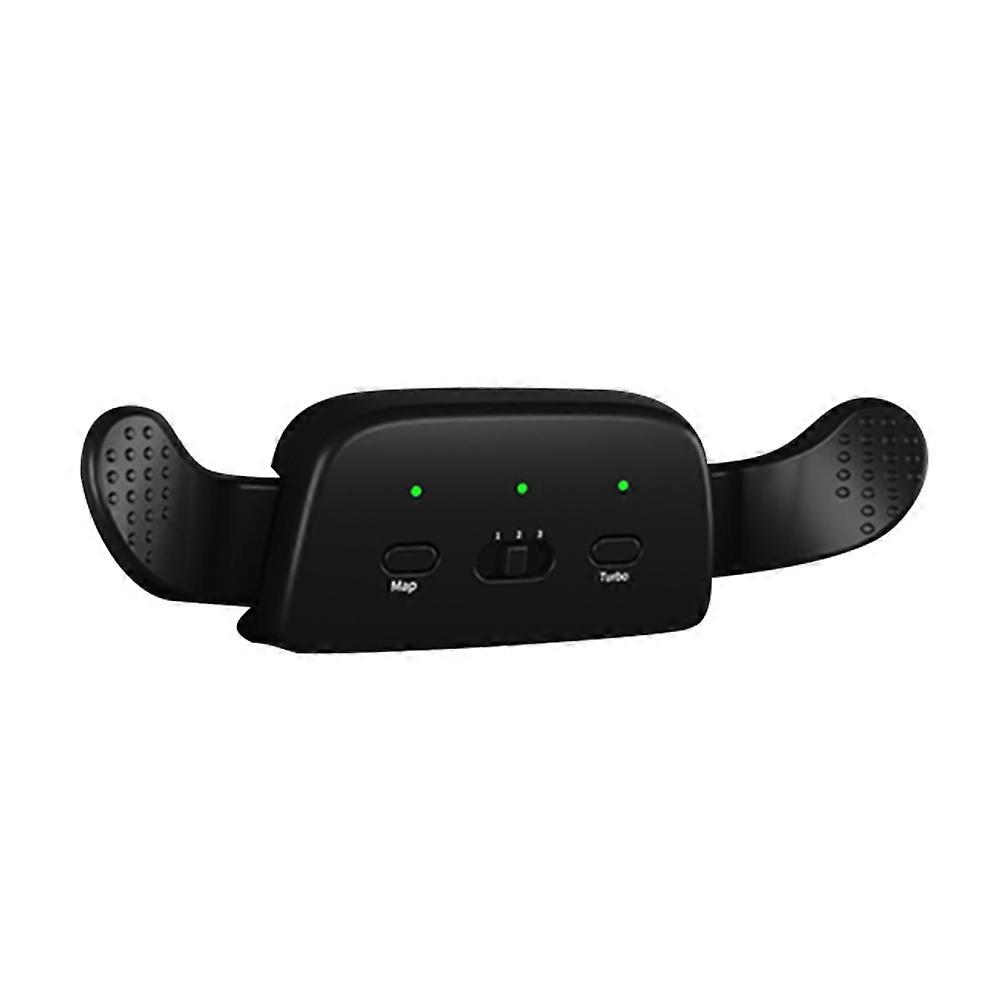
PS5 Gamepad Attachment Button Accessories Key Extension Game Controller
Gamepad Back Button Joystick Back Buttons Game Controller Extension Key Game Accessories Replacement for PS5
Feature:
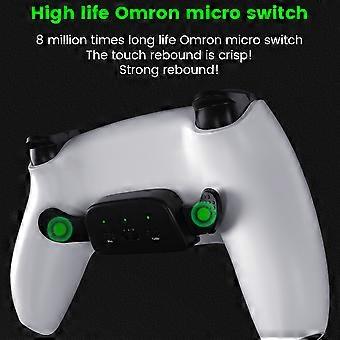
1. This product is a specially used back clip double button. with the original handle for PS5, so the handle for PS5 is upgraded, which greatly improves the fun of playing PS5. games.
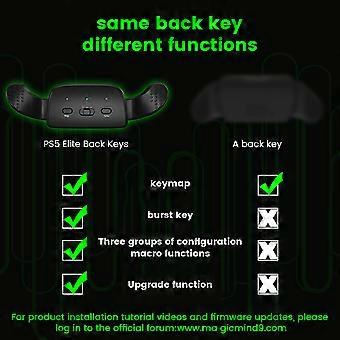
2. Support turbo burst function, support burst speed adjustment at three gears, free your hands and make the game easier.
3. Support for L1/L2/R1/R2/Up, Down, Left and Right/X/Cross arrow keys in the handle. A total of 12 function keys support the mapping function.
Specification:
Product model: BK-P5035
Product adaptation: BDM-010 first generation handle / 020 second generation ;ration for PS5
Product color: Black/White/Rose Red (optional)
Product weight: about 60g
Product size: about 113*95*22.2mm/4.45*3.74*0.87in
Mapping function:
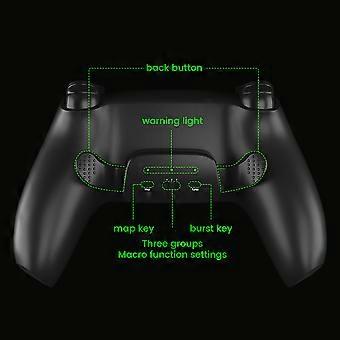
Mapping function can set L1/L2/R1/R2/up, down, left and right/X/cross arrow keys in the handle of origin, a total of 12 function keys.
1. Short press the mapping button, the light bar is always on orange, which means the button mapping function can be set.
2. Press and hold either of the back clip buttons and any handle function key for 1S at the same time, the light bar flashes orange for 3 times and lights steadily ;erly, indicating that the key mapping setting is of rear clip is successful.
3. After adjustment is complete, short press the mapping button to adjust. again, the orange light bar will turn off and exit the mapping function setting. À At this point, you can use the back clip button to play the game normally.
Burst function:
Burst function can be set on any back clip button and supports burst speed adjustment. ;burst at three speeds.
1. Short press the "Burst" button, the blue light bar is always on, which means the burst function of the button can be set.
2. Short press one of the back clip buttons, the back clip button burst speed will be switched according to the slow-fast-ultra-fast-off cycle, the blue of the light bar is indicated; by the corresponding switching cycle of “slow flashing-fast flashing-ultra-fast flashing-steady on.
3. When the adjustment is complete, briefly press the “Burst” to again, the blue light bar will turn off and exit button burst function setting. À At this point, you can use the back clip button to play the game normally.
Clear Reset:
Press and hold Mapping and Burst buttons for 2S at the same time, blue and orange will light up for 2S at the same time, indicating all resets. Button settings are successfully cleared.
Memory function:
After the product is turned off, the mapping function is saved, but the burst function is not saved, and the last mapping function is used ;e by default when the product is at turned on again. The burst function needs to be reset.
Note:
Mapping setting and burst setting cannot be done at the same time, and one setting must be closed. before entering the other setting!
Due to the different monitors and light effects, the actual color of the item might be slightly different from the color showed on the pictures. THANKS!
Please allow 1 to 1 to 4 measurement deviation. 2cm due to manual measurement.
1 * Dual Back Clip Button for PS5
-
브랜드:
Unbranded
-
카테고리:
게임 컨트롤러
-
색상:
Noir
-
Fruugo ID:
210654561-449120827
-
EAN:
9036917298682
제품 안전 정보
아래에 설명된 이 제품과 관련된 제품 안전 정보를 참조하십시오.
以下の情報は、この製品を販売する独立したサードパーティ小売業者によって提供されています。
안전 경고:
To be used under the direct supervision of an adult.
재료:
universal
제조업체 부품 번호:
GAME1-10genghuanlingjianhepeijian2229
모델 번호:
GAME1-10genghuanlingjianhepeijian2229
일련번호:
GAME1-10genghuanlingjianhepeijian2229
배치 번호:
GAME1-10genghuanlingjianhepeijian2229