설명
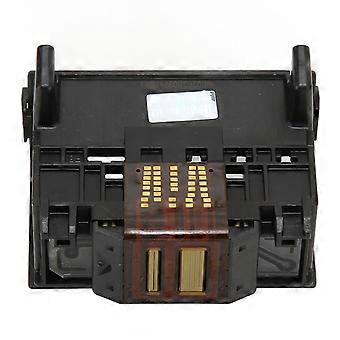
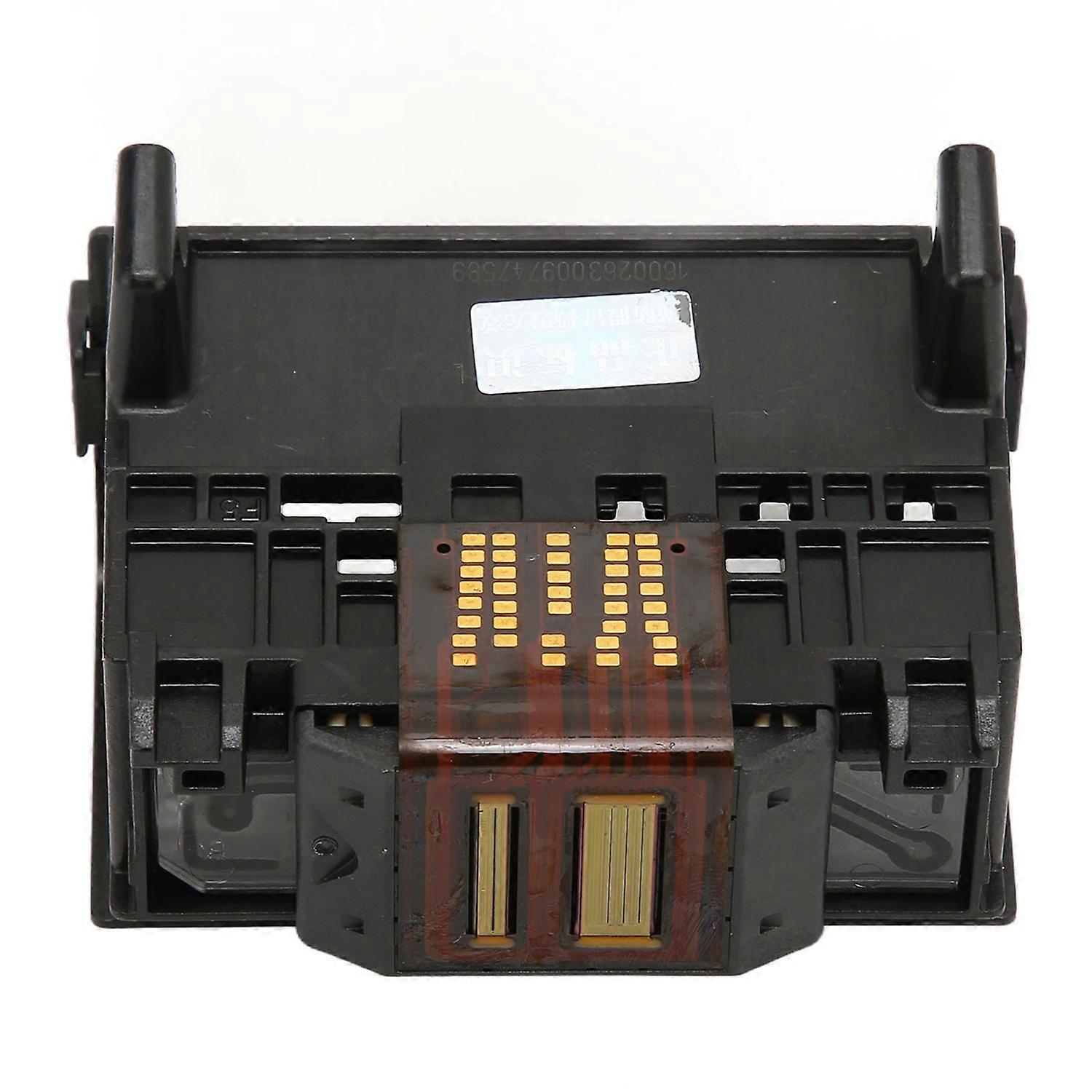
Print Head Pirnthead Replacement Part for HP6000 7000 6500 6500A 7500 7500A 920 Printer Accessories
Feature:
1. Applicable Model: Printhead is suitable for HP6000 7000 6500 6500A 7500 7500A 920 printer. Closely fit the original machine hole position.
2. Good Performance: 920 printhead has stable and reliable performance, suitable for replacing the broken parts to obtain higher strength.
3. ABS Materials: Printer head for HP920 is made of ABS materials, it is lightweight, rust resistant, fade resistant and durable.
4. Fine Workmanship: Adopting exquisite workmanship and beautiful appearance design, providing good printer running effect.
5. Strictly Tested: 100% functional test of the print head after production, and 100% functional test before delivery. The quality is guaranteed.
Specification:
Item Type: Printhead
Material: ABS
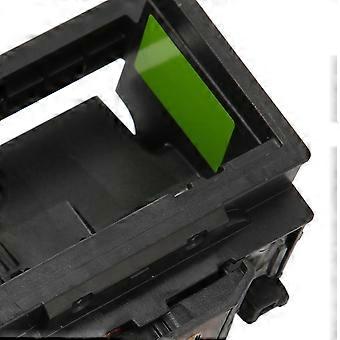
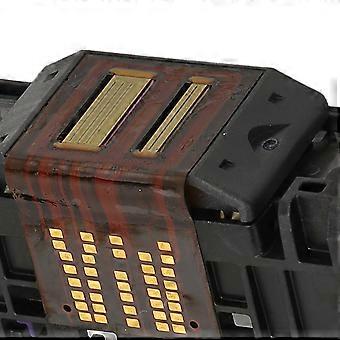
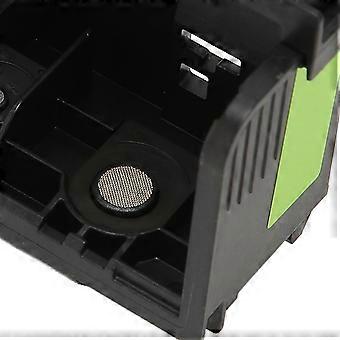
Color: As Pictures Shown
Weight: Approx. 79g / 2.8oz
Application: Suitable for HP6000 7000 6500 6500A 7500 7500A 920.
Package List:
1 x Printhead
Note:
1.The product is a brand new product, and there may be protective liquid attached to it. This is to protect the accessories, which is normal.2.Solution for incompatibility: Reset the printer Follow these steps to reset the printing device. Turn on the printer (if not already turned on). Wait for the printer to come to a complete standstill before continuing. After turning on the printer, disconnect the power cord from the back of the printer. Unplug the power cord from the wall outlet. Wait at least 60 seconds. Plug the power cord back into the wall outlet. NOTE: For HP recommends plugging the printer power cord directly into a wall outlet. Reconnect the power cord to the back of the printer. Turn on the printer (if not already turned on automatically). The printer may take a while to warm up. The printer lights might be blinking, and the carriage might move. Wait for the printer to warm up and come to a complete standstill before proceeding. If the above methods cannot solve the compatibility problem, you need to replace the original ink cartridge and ink.
-
Fruugo ID:
435075266-912677293
-
EAN:
7409249276161