설명
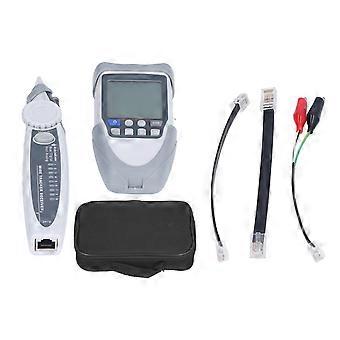
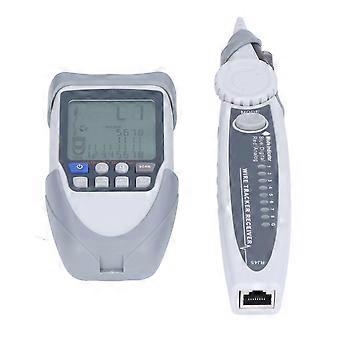
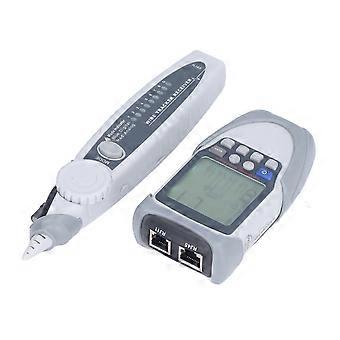
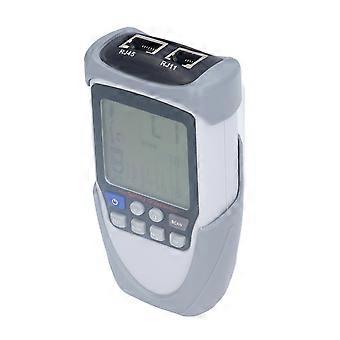
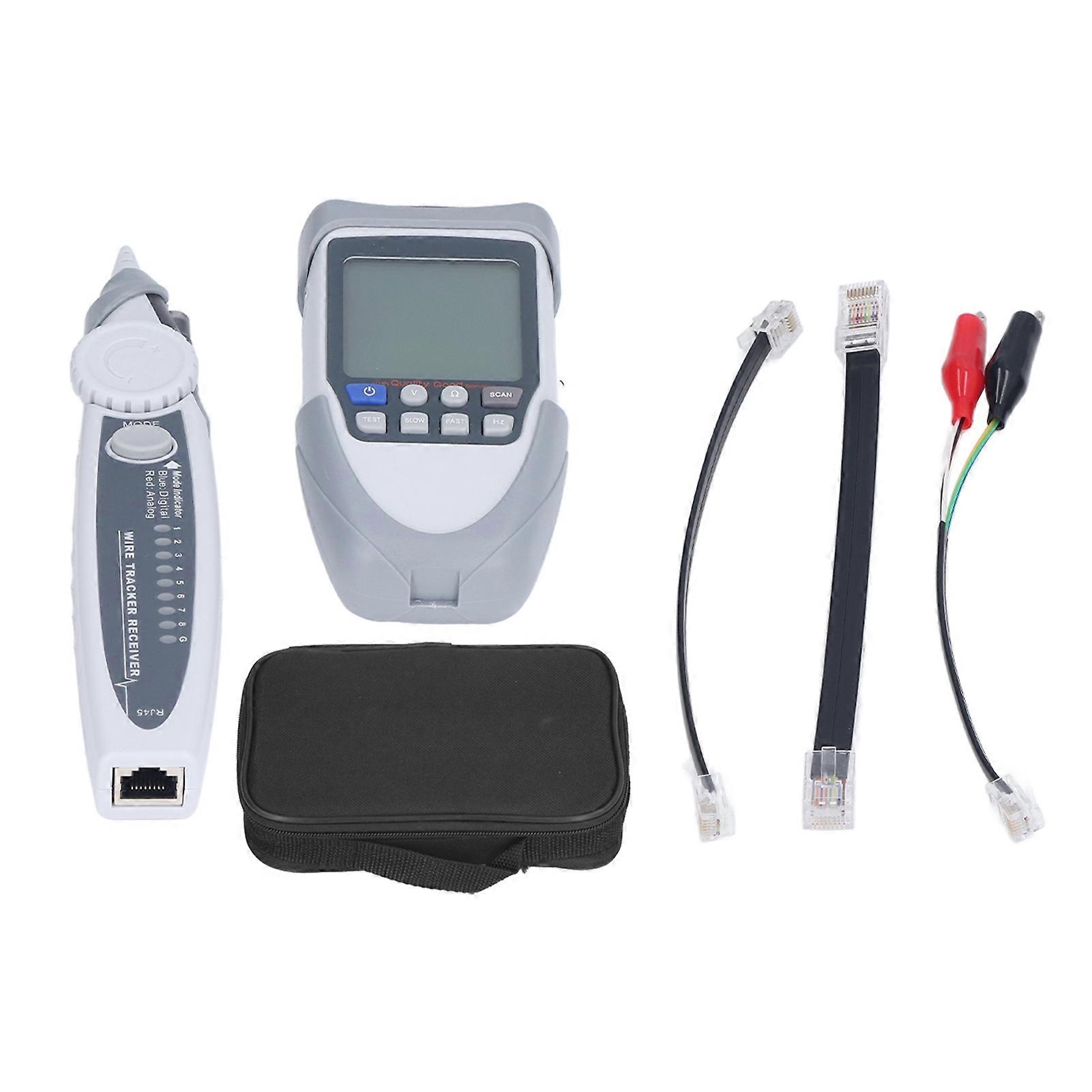
Network Cable Tester Digital Analogue PoE Ethernet Wire Finder Tracer Tool with LCD
Item Type: Network Cable Tester_x000D_
Model: ET612_x000D_
Material: ABS_x000D_
Receiver Battery: 1 x 6F22 9V (not included)_x000D_
Transmitter Battery: 3 x AA 1.5V (not included)_x000D_
Function: For network cable finding and testing. _x000D_
Operating Temperature: 0~40_x000D_
Storage: -10~ 50_x000D_
Relative Humidity: < 90%_x000D_
Main Function_x000D_
Analogue Cable Tracing_x000D_
Digitizing Cable Tracing_x000D_
PoE Supportive Cable Tracing_x000D_
Identify Wire Pairing and Connection_x000D_
Battery Voltage Polarity Checking_x000D_
Battery Voltage Measurement_x000D_
PoE Voltage Polarity Checking_x000D_
PoE voltage Measurement_x000D_
Split Pairing_x000D_
Breakpoint Checking_x000D_
Continuity Testing_x000D_
Signal Transmission Tracking Distance (Approx.)3000m / 9842.52ft_x000D_
Output Signal Level~15Vp-p_x000D_
Flashlight_x000D_
Adjustable Loudness_x000D_
Low Battery Indicator (Transmitter)_x000D_
Auto Power Off (Transmitter)Shuts down after about 20 minutes of inactivity._x000D_
Automatic Shutdown (Receiver)_x000D_
_x000D_
How to Use: _x000D_
1. The operation method of the host is not different. The operation method of the digital line finder is different from that of the analogue line finder. Press and hold the SCAN button for 2 seconds to turn on the line finder, simulating the line finding function, long press for 2 seconds to shut down, no operation for 10 minutes, it will shut down automatically. _x000D_
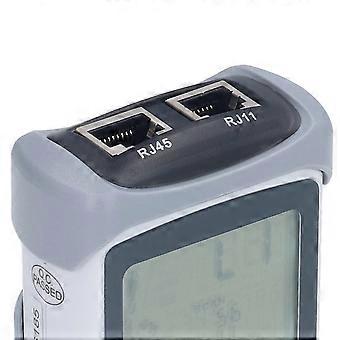
2. After the line finder clicks SCAN and selects the function, there is no need to press the button during the line finding. Press SCAN on the host to enter the finding function, and press Hz to switch to the digital finding frequency L2 mode. The digital finding cannot switch the finding frequency. In order to quickly find the target line, you can first adjust the direction knob of the line finder to the maximum sensitivity, and after finding the vicinity of the target line, adjust the appropriate sensitivity to precisely locate the target line. At this time, the target line can be connected to the RJ45 port of the line finder, and the line alignment light is all on to further confirm that the target is correct. _x000D_
3. Digital Line Finding Function: Blue indicator light, using the latest digital line finding technology, the host sends a digital signal, the line finder is tested by accepting the digital signal transmitted from the network line under test and makes a corresponding sound, at this time the blue light is displayed and always on, or vibrates with the blue indicator light flashes at this time. _x000D_
4. Analogue Finding Function: Red indicator light, using general analogue finding function, in order to quickly find the target line, you can first turn the finder to the maximum volume, after finding the target line, adjust the appropriate volume to accurately locate the target line.
-
Fruugo ID:
325240134-720309663