제품 상세 정보
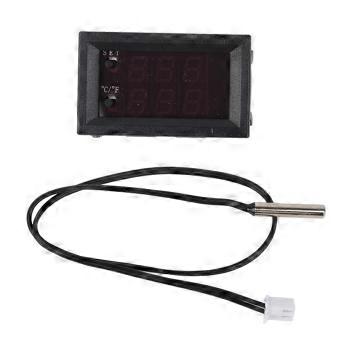
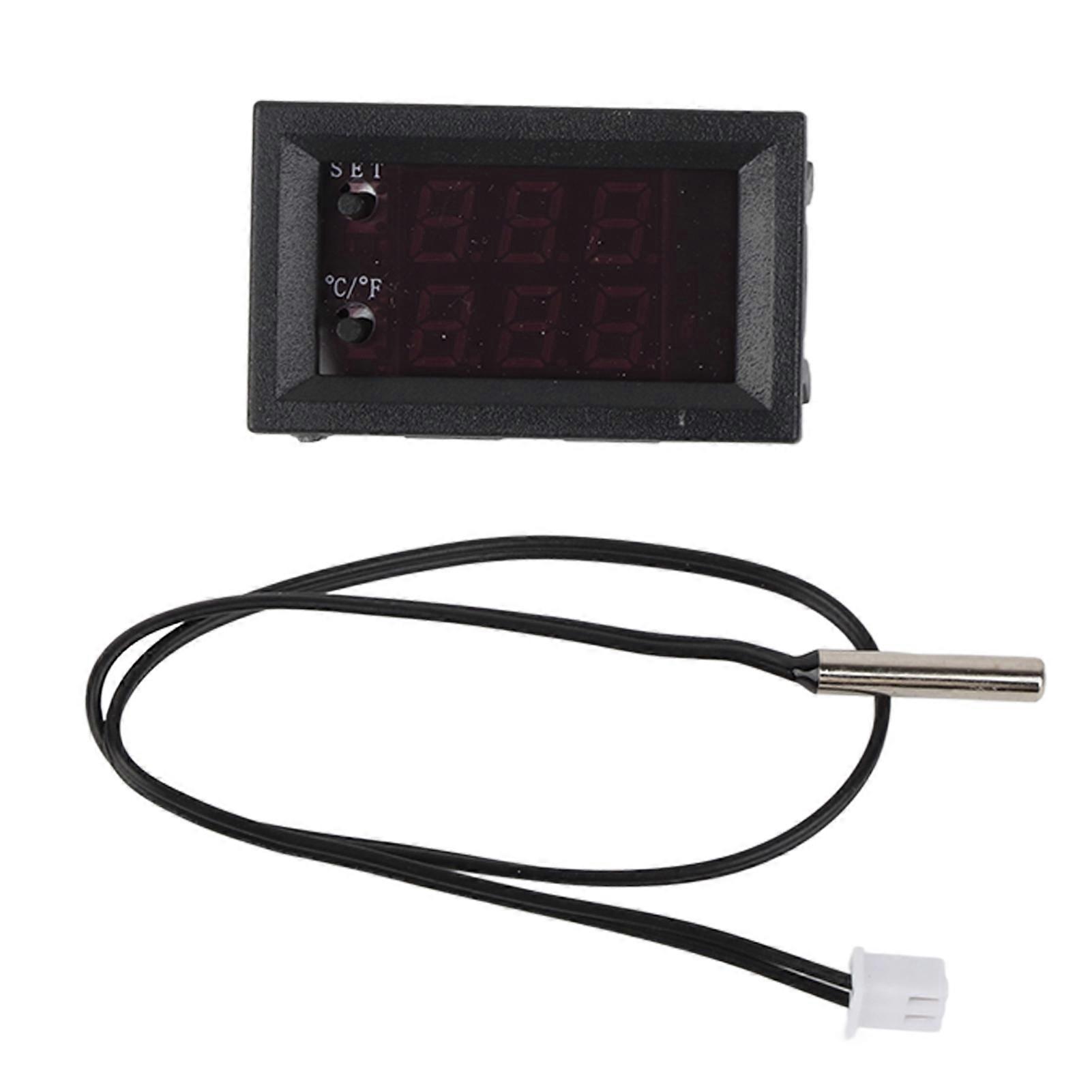
Microcomputer Digital Display Thermostat Temperature Controller with Sensor DC12V
Features
1. This delicate digital display temperature controller can set Celsius mode or Fahrenheit mode
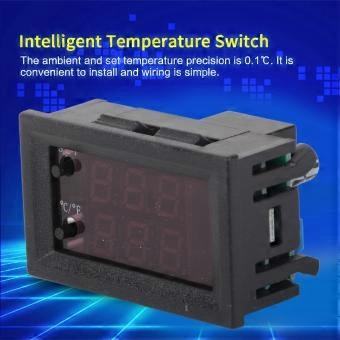
2. The display and control temperature can be set to 0.1℃. It is convenient to install and wiring is simple
3. Wide temperature measurement range from ‑50℃ to 110℃ and supports high temperature protection
4. Can be installed directly or embedded in industrial control equipment panel, convenient and quick
5. Widely used in the hatching area, equipment case, air conditioning system, temperature control protection and other fields
Specification
Features:
This delicate digital display temperature controller can set Celsius mode or Fahrenheit mode.
The ambient and set temperature accuracy is 0.1℃. It is convenient to install and wiring is simple.
Wide temperature measurement range from -50℃ to 110℃ and supports high temperature protection.
Can be installed directly or embedded in industrial control equipment panel, convenient and quick.
Widely used in the hatching area, equipment case, air conditioning system, temperature control protection and other fields.
Specification:
Input Voltage: DC12V
Temperature Measurement Range: - 50℃~110 ℃
Resolution Ratio: -9.9℃-99.9℃--0.1℃ other temperature intervals--1℃
Measurement Accuracy: 0.1 ℃
Control Accuracy: 0.1 ℃
Return Difference Accuracy: 0.1 ℃
Refresh Rate: 0.5 S
High-temperature Protection: 0-110 ℃
Measurement Input: NTC (10K 0. 5%) waterproof sensor
Output: 10A Relay
Environmental Requirements:
Temperature Requirement: -10 ℃~60 ℃
Humidity Requirement: 20%-85%
Machine Power Consumption: static current ≤ 35MA, pickup current ≤ 65MA
Weight: 33g / 1.2oz (approx.)
Package list:
1 * Temperature Controller
Methods of Use:
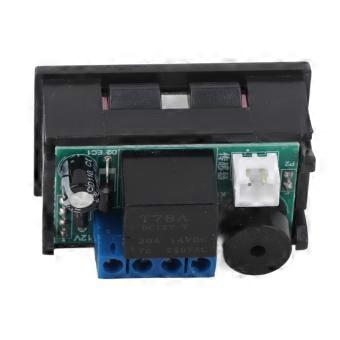
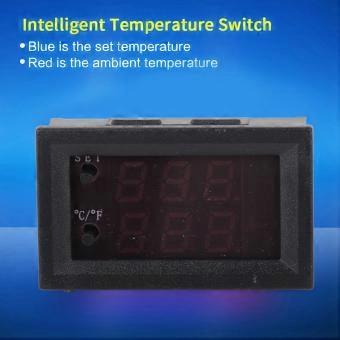
After Connecting to the power supply and load (referring to the wiring diagram), you can supply power for the controller, the color red manifest for measuring temperature, the following color blue (or red) as required to set the temperature
In the case of manifesting real temperature and please press the button set, the following setting text digital will flash and temperature, after completing the setting, please wait for 3 it will return automatically, at this time controller will automatically disconnect Relay according to the preset temperature, the this senor can meet all kinds of large power load, please make sure the line is correct
The Description of Light and Digital Tube Status:
Light: The off means Relay is disconnected, and the normal light on shows that the Relay has closed.
Digital tube: The sign LLL is the open circuit of sensor and the sign HHH means beyond the measuring range, the controller will forcibly disconnect Relay, the sign --- means high- temperature protection
TheDescription of Parameters Function:
Pleasepress the button SET five seconds and then it can enter to the main menu ofsetting, pressing STC(+)and C/F (-) can switch to P0-P8.
Aboutthe adjustment of parameters P0-P8, when you need to adjust P0,firstly please press STC (+) and C / F (-) at the same time, and the P0figurewill flash, secondly please press STC (+)and C / F (-) to adjust, ifdone, finally please press STC (+) and C / F (-) to confirm at the same time,P1-P8which can be set the parameters of each code like P0according to the needs of their own.
The key C/F is a key for switching Fahrenheit orCelsius
Press the key C/F once, and it will manifestF(Fahrenheit mode),and then press thekey C/F once, it will show C(Celsius mode), the default mode is C(Celsiusmode),if there is a big temperature error when you use it, maybe it is F mode.
An example for setting:
If you need to Control therefrigeration equipment
1: Please set into C mode in the code P0:
2:In thecase of manifesting the actual temperature you should press the key SET, andthe following digital of setting text will flash, then press C/F(+) and SET (-) to set the stop cooling temperature, after settingplease wait for 3 seconds, it will automatically confirm to return.
3:Return differencesetting: Firstly please press the key SET for five seconds all the time, and itwill enter the setting main menu, secondly press STC (+)and C/ F (-) to switch into P1, when switching into P1,please press STC (+)and C / f (-)once at the time, the P0figure will flash,then please press STC(+)and C / f (-)to set to difference value(returndifference means that you should add several degrees to start, for instance, ifthe it stops when the stop setting temperature is 25 degrees, you should needto set the cooling temperature to 28 degrees, the value in the code P1should be set 3 degrees, so the return differencevalue is 3 degrees),after finishing that, finally please press STC(+) C/F (-)at the same time to confirm.
4:The above steps areset up, the data is automatically saved, and the final result is, in thecontrol of refrigerationequipment, higher than28 degrees to start therefrigeration, refrigeration to 25degrees to stop.
Ifyou need to control the heating equipment:
1:Please set into H mode in the code P0.
2:In the case of manifes
-
Fruugo ID:
480034465-998751506
-
EAN:
7061262303424