설명
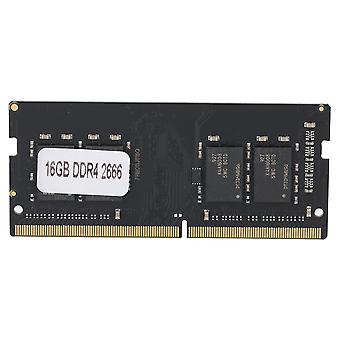
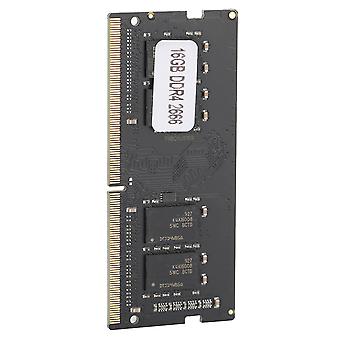
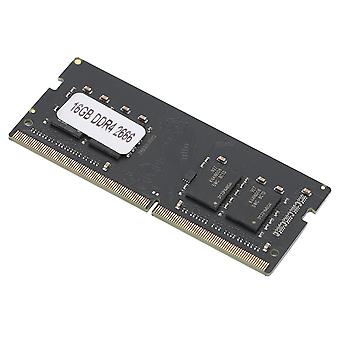
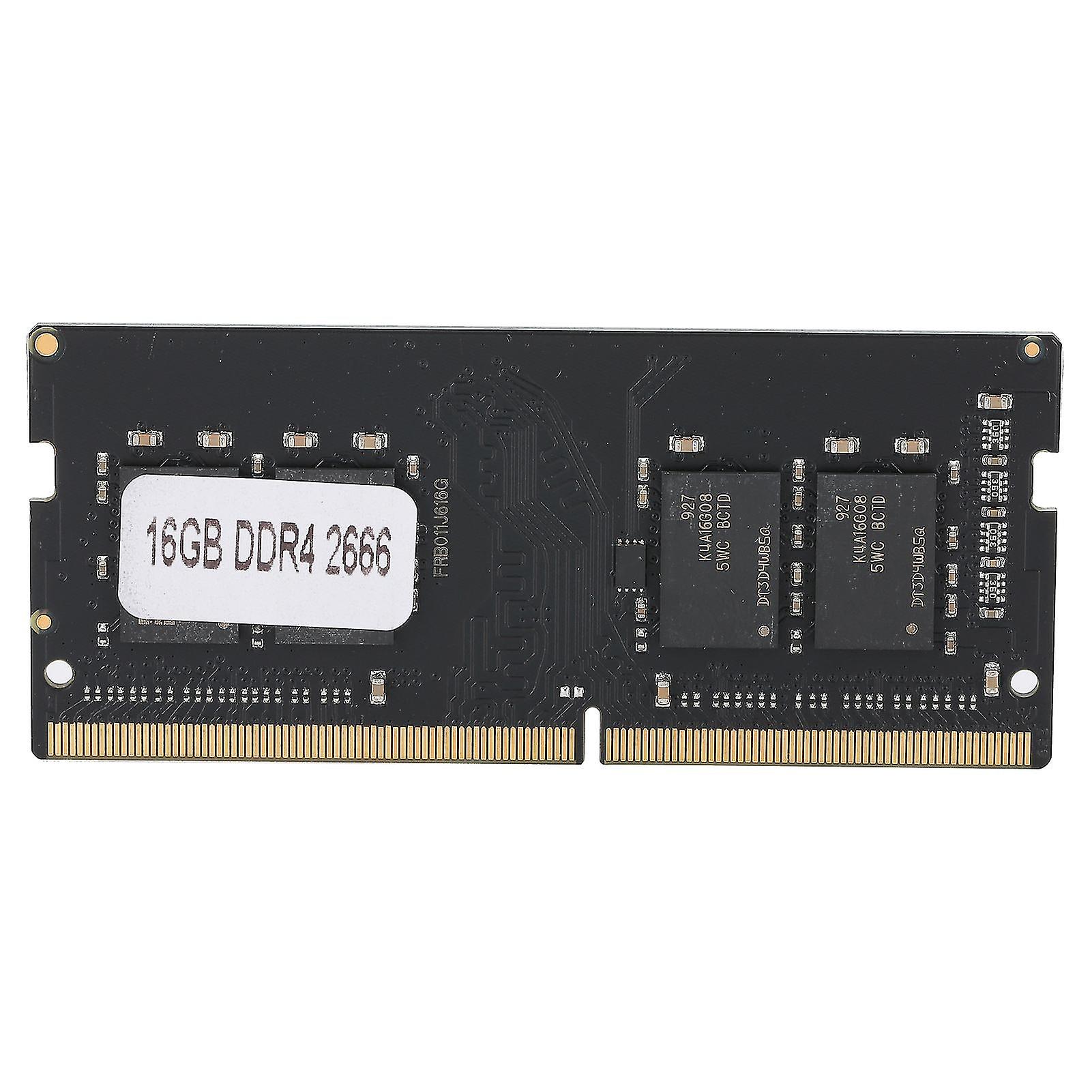
Memory Module Desktop Full Compatible For Amd/intel Ddr4 16gb Pc417000/pc419200/pc42666v2666mhz
1Using highquality chips and highquality memory particles, powerful and stable performance. 2This memory module can provide you with smoothly operation efficiency whether it is playing games or working. 3Increased memory capacity, increased computer operating speed, and brought higher efficiency to your work and life. 4Highquality circuit module board, high temperature resistance, fast heat dissipation, corrosion and abrasion resistance. 5This memory module has strong compatibility, full compatible for Intel/AMD.
Item Type: Memory Module
Model: DDR4
Material: PCB
Memory Capacity: 16GB
Optional Memory Frequency and Corresponding Bandwidth: 2133MhzPC4-17000 2400MhzPC4-192002666MhzPC4-2666V
Voltage: 1.2V
Pin Number: 288PIN
Compatibility: Full compatible (for Intel/AMD)
Applicable Computer: Laptop
Note:1. The memory is divided into memory card, DDR, DDR2, DDR3 models. Please check the following list to know what memory has been installed in your computer and what memory you need to buy. If you don't know which memory is suitable for your computer, please use the software test to see what memory your favorite computer needs. After running the software, look at the "Maximum Bandwidth" column of the "SPD" option, and you will see "PCxx00", as follows:PC2100 is DDR 266 memory
PC2700 is DDR 333 memory
PC3200 is DDR 400 memory
PC4200 is DDR2 533 memory
PC4300 is DDR2 533 memory
PC5300 is DDR2 667 memory
PC6400 is DDR2 800 memory
PC8500 is DDR3 1066 memory
PC10700 is DDR3 1333 memory
PC12800 is DDR3 1600 memory
The memory DDR, DDR2, and DDR3 are not common to each other, and the sockets are different, and you can't force the overlord to insert it in, so as not to damage the memory and the motherboard, remember
2. If The Memory Appears: Blue screen, crash, restart, and the alarm keeps beeping, please operate according to the following methods one by one, if not, it is determined that it is not compatible.
Try The Following Methods:a. The memory is not inserted well, or the gold finger is oxidized. Use an eraser to remove the memory finger and then reinsert it, or change the slot;
b. The memory slot is dusty or oxidized. Use a brush and wash water to cleanly it (if you dont have wash water, just brush it down)
c. The memory is not compatible, try another memory.
d. The CMOS is not discharged to restore the factory settings, it may be normal (the motherboard battery is removed, and then put it back).
e. The motherboard is not compatible with the CPU, try changing the CPU.
1 x Memory ModuleNotesAboutCompatibilityCannotbeUsed:Inthefieldofcomputeraccessories,aslongasyoubuytherightmodelandreadtheproductdescriptionclearly,99%ofthemotherboardscanbeused.Whetherit'sgraphicscards,motherboardsormemorysticks,therewillbe3%unknownfactorscausingincompatibilityandotherproblems.Thesamebrandisindifferentbatches,differentchips,anddifferentparticlesizes,whichmaycauseincompatibilityproblems.Theremayalsobecompatibilityissuesbetweenmemoryandmemory,andtheremayalsobecompatibilityissuesbetweenmotherboardandmemory.Whatisthespecificreasonfortheincompatibility.Atpresent,thereisnoofficialcorrectstatement.Inshort,compatibilitydoesnotmeanqualityproblems.
-
Fruugo ID:
200459903-426594056
-
EAN:
889615143155