설명
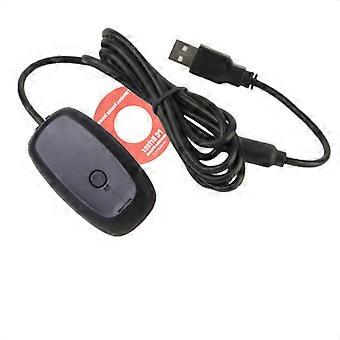
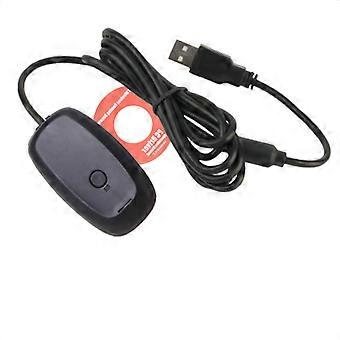
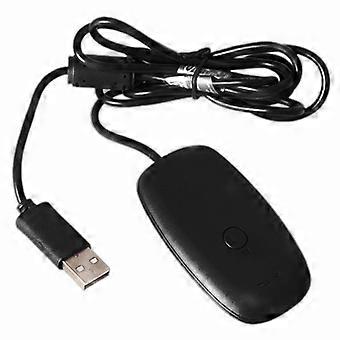
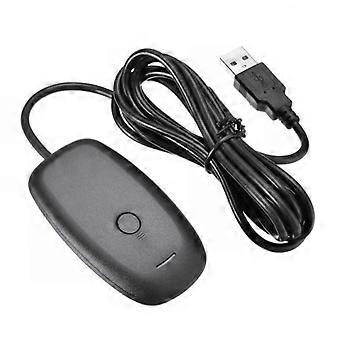
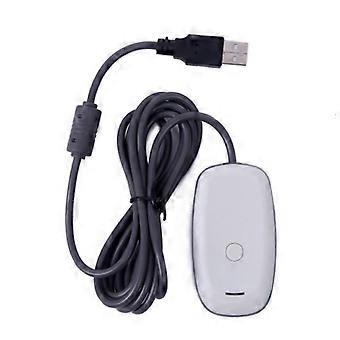
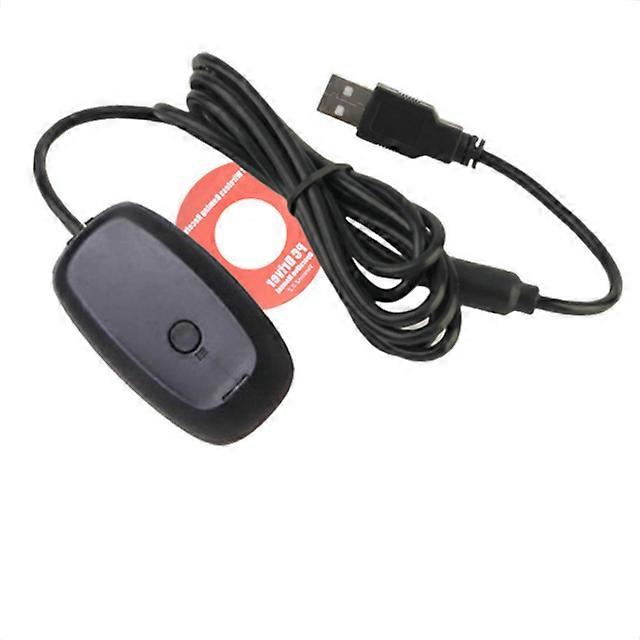
Gamepad Controller Wireless Bluetooth-compatible PC adapter USB receiver for Xbox 360 Support Microsoft Win7/8/10 system
Gamepad Controller Wireless Bluetooth-compatible PC adapter USB receiver for Xbox 360 Support Microsoft Win7/8/10 system
Feature:
This wireless receiver is a simple adapter that can be connected to USB.
Xbox 360 wireless accessories that will be suitable for the future
Use up to four wireless controllers and four wireless headsets.
Easily integrate with PC game scenes, using the same binding technology as Xbox 360.
Third-party products, not manufactured by Microsoft
Compatible with windows xp, windows 7 8
The Xbox 360 wireless gaming receiver for Windows allows you to connect up to four wireless headsets and four wireless controllers to computers running Microsoft Windows XP Service Pack (SP2) or later.
Note: The receiver is not available for Xbox 360 consoles.
Steps for usage :
Connect the Xbox 360 wireless gaming receiver to your computer. Plug the USB connector into a powered USB 2.0 port on the computer.
Note: The USB port on the front of the computer may not be a powered USB 2.0 port. Try to use the port on the back of the computer. The green light on the receiver indicates that the device is working.
If the Add New Hardware Wizard starts automatically, select Install the software automatically (recommended), and then click Next. If the wizard successfully installs the software, click Finish, and then skip to the steps below
Connect the Xbox 360 wireless accessory to your computer. If the wizard cannot install the software, continue to the next section.
Install Xbox Receiver software
Before using the wireless accessory on your computer, you may need to install some software on your computer.
-
브랜드:
Unbranded
-
카테고리:
게임 컨트롤러
-
색상:
black
-
Fruugo ID:
211019122-449772960
제품 안전 정보
아래에 설명된 이 제품과 관련된 제품 안전 정보를 참조하십시오.
以下の情報は、この製品を販売する独立したサードパーティ小売業者によって提供されています。
제품 안전 라벨

안전 경고:
important Safety Instructions Read Before Use: Please read all instructions and safety warnings before using this product. Failure to follow these guidelines may result in injury, damage, or malfunction. General Warnings Intended Use: Use this product only for its intended purpose as described in the user manual. Supervision Required: This product is not intended for use by children or persons with reduced physical, sensory, or mental capabilities without supervision. Inspection Before Use: Check for any signs of damage or wear before use. Do not use if damaged. Usage Precautions Environment: Do not use in wet, damp, or flammable environments unless specified as safe for such conditions. Proper Operation: Follow all operating instructions carefully. Avoid improper handling or misuse. Power Source: Use only the recommended power supply or batteries. Do not exceed specified voltage or current ratings. Maintenance and Care Cleaning: Disconnect from power before cleaning. Use only manufacturer-recommended cleaning methods and solutions. Storage: Store in a cool, dry place away from direct sunlight and extreme temperatures. Repairs: Do not attempt to disassemble or repair the product. Contact authorized service personnel for assistance. Specific Warnings Avoid Hazards: Keep the product away from sharp objects, water, and heat sources. In Case of Malfunction: If the product malfunctions or exhibits unusual behavior, discontinue use immediately and contact customer support. Disposal Instructions Recycling: Dispose of the product in accordance with local electronic waste disposal and recycling guidelines. Battery Disposal: Follow specific regulations for the safe disposal of batteries if included.