설명
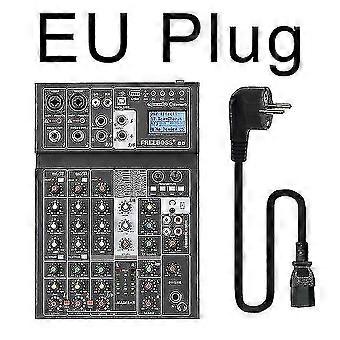
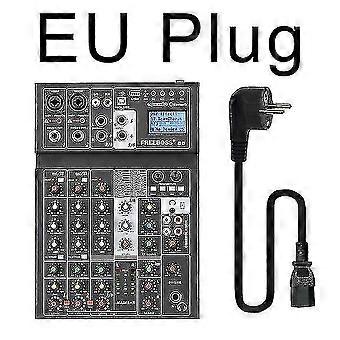
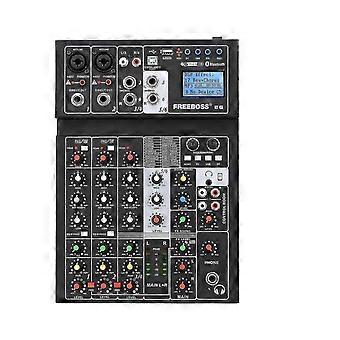
Freeboss e6 6 channel bluetooth 24 dsp effect usb record computer record karaoke party studio mobile
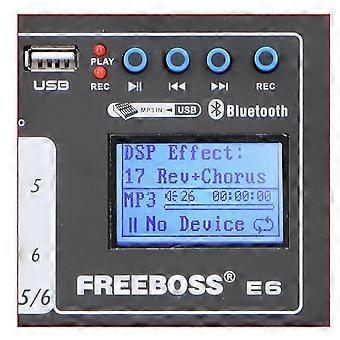
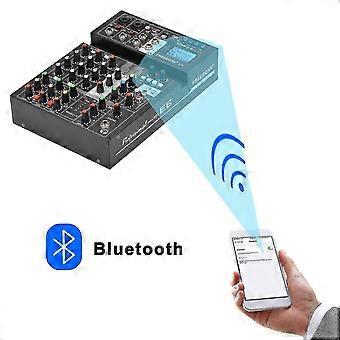
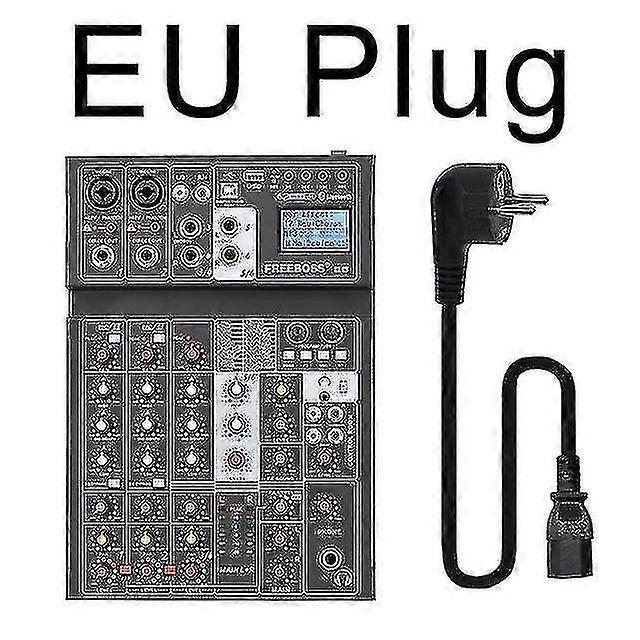
E6 Freeboss E6 6 Channel Bluetooth 24 Dsp effect USB Record Computer Record Karaoke Party Studio Mobile Live Broadcast o Mixer Click to go to XLR cable listing: 1. 24 DSP Effect 2. Individual +48V phantom power 3. Bluetooth 4. USB play, record 5. Computer play, record 6. Mobile play, record-----Live broadcast 1.You can connect your mobile to Mixer via the USB interface of the mixer 2. Mixer can receive the signal from Mobile, and Mobile can receive the signal from Mixer. Please note: Type-B is for Mobile, PC Type-A is for USB stick. it is not for usb microphone. 1. You can connect your computer to Mixer via the USB interface of the mixer 2. Mixer can receive the signal from computer, and computer can receive the signal from Mixer. PC play: you can play music from PC to mixer.--You need a pc music play software PC record: You can record the sound from mixer--you need a pc record software. 24 DSP Effect How to adjust the effect: 1. Press "FX" button into choose effect status 2. Rotate the "Select" Knob to choose the effect you like. 3. Press the "Select" Knob to confirm the effect 4. Press "FX" button again, come into the status of the parameters adjst. 5. Rotate the "Select" knob to choose the parameter 6. Rotate the "Edit" knob to adjust the parameter. 7. Press the "Edit" knob to comfirm the parameter. 8. Rotate the "FX SOUND" knob to adjust the main input. 9. Rotate the channel "FX" to adjust the channel output. 1. There are 2 XLR channels, ecah channel has one phantom power switch. 2. Dynamic microphone : Do not open phantom power (please use XLR plug,not a 6.3 plug,because use the 6.3 plug,the sound will be too small.) 3. Condenser microphone: Press the button to supply +48V phantom power. (Please note: please confirm if your condenser microphone support +48V phantom power.) 1. Press "BT" for 3 seconds. 2. Screen will show: Waiting BT 3. Setting your mobile to Connect the o mixer 4. Screen will show: Playing BT 5. Rotate the "Digital return-PAN" knob to adjust the Left and Right 6. Rotate the "Digital return-LEVEL" knob to adjust the input volume. 7. Rotate the Main mix knob to adjust the output volume. 1. when there is no USB stick, Screen will show: NO Device 2. Insert the USB stick with music, the screen will show the 1st music name, and will be in "PAUSE" status. 3.
-
Fruugo ID:
313901682-700230078
-
EAN:
3533854726309