설명
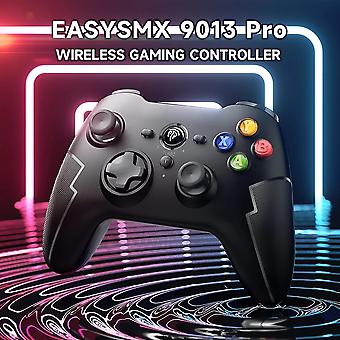
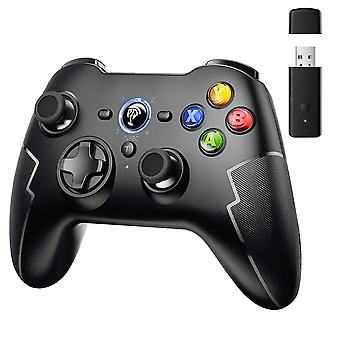
Easysmx 9013 Pro Wireless 2.4g Gaming Controller, Bluetooth Gamepad For Pc Windows, Ios/android Phone, Tv/tv Box, Hall Trigger
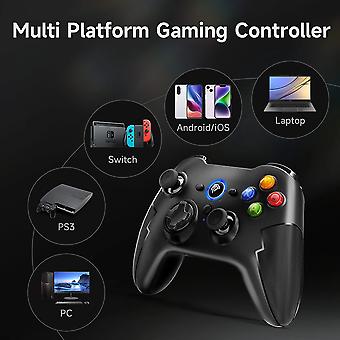
Multi-platform Compatible
compatible with PC, iOS/Android Phone, TV/TV Box, Nintendo Switch, Apple Arcade Games MFI, Raspberry Pi
Support 3 Connection Method
Support 2.4G USB connection, Bluetooth connection, Type C cable connection
Hall Trigger
it adopts the latest Hall switch, which is more delicate in control and has a longer life
Long Battery Life
built-in 600mA lithium battery, battery life is more than 12 hour
Turbo Function
through the turbo key, the function key can be set to a Turbo function to achieve quick trigger of the key
Comfortable to Hold
the grip area is covered with a layer of laser-textured soft cover for a comfortable grip and non-slip effect
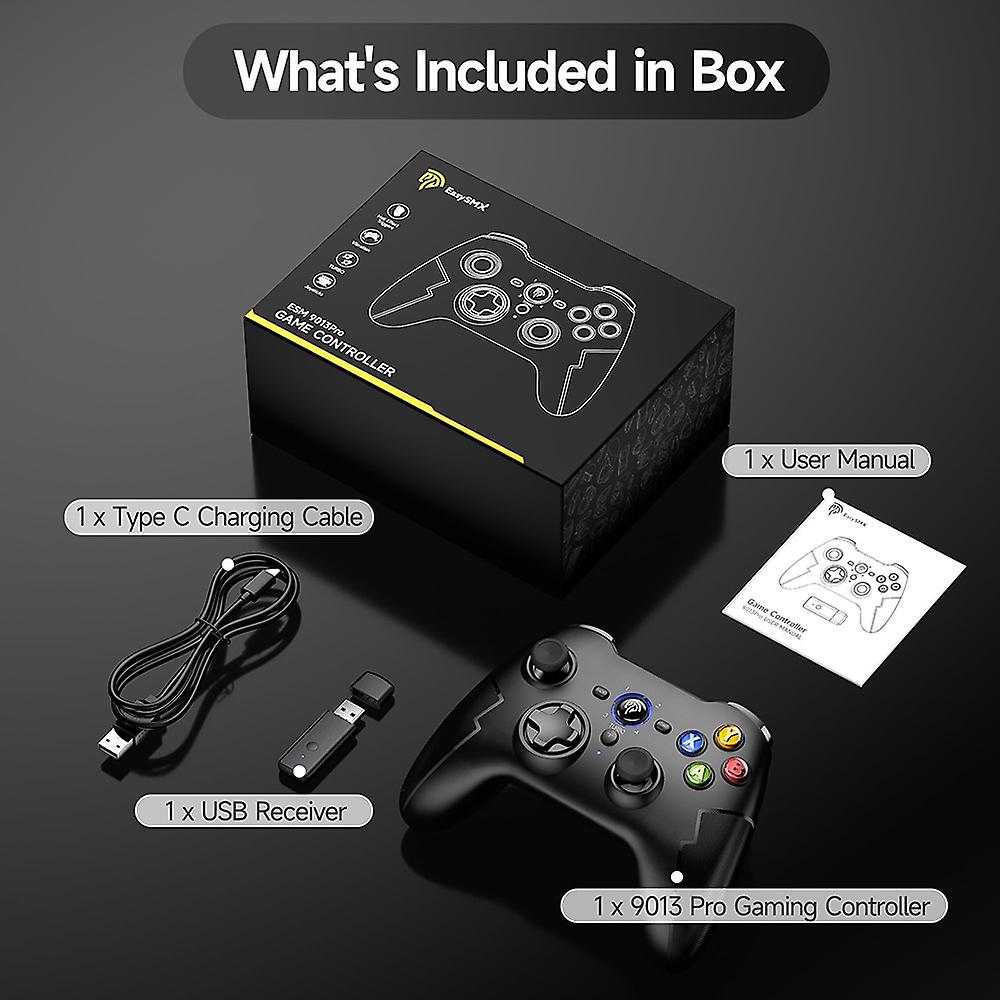
Packing List
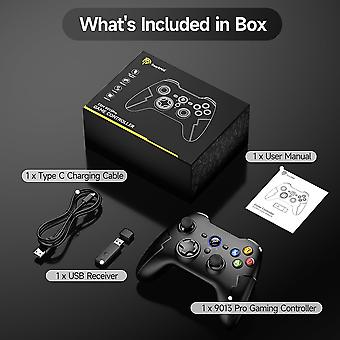
1 x EasySMX 9013 Pro Gaming Controller1 x USB Receiver1 x Type-C Charging Cable1 x User Manual1 x Phone Holder(Buyer's Choice)
Modes and Connection
Connecting to PC1. Connect the controller to pc through USB receiver, insert the receiver into the USB port of your computer and pre the button on the front of the receiver for quick pairing. Pre and hold the logo button on the controller for 3 seconds to power it on. The controller indicator LED 1 and 2 will stay on, indicating the corresponding Xinput mode.2. Connect the controller to the pc via the usb cable, the controller indicator LED 1 and 2 will stay on, indicating the corresponding Xinput mode.Mode Switching: Pre and hold the LOGO button for 5 seconds to switch to Dinput mode; (analog mode) LED 1 and 3 will light up.Connecting to PS3 ConsoleInsert the USB receiver to the PS3 console. Click the HOME button briefly while the controller is in power off state. The four LED lights will flash. After a succeful connection, the corresponding channel light will stay on.Bluetooth Connection to Phone/Tablet1. Android Mode: For the first connection, pre B+HOME; for subsequent connections, simply pre the HOME button to power on. Enter Bluetooth pairing mode, and the LED1 light will flash. After a succeful connection, the LED1 light will stay on. (The device name will be "Gamepad")2. IOS Mode: For the first connection, pre A+HOME; for subsequent connections, simply pre the HOME button to power on. Enter Bluetooth pairing mode, and the LED2 light will flash. After a succeful connection, the LED2 light will stay on. (The device name will be "Xbox Wirele Controller")Bluetooth Connection to Nintendo Switch1) For the first connection, while the controller is powered off, pre Y+HOME; for subsequent connections, simply pre the HOME button to power on and it will automatically reconnect to the SWITCH. The controller's Home button can wake up the SWITCH.2) On the SWITCH, select "Controllers", then choose "Change Grip/Order." The controller will be automatically recognized and paired with the SWITCH console. After a succeful connection, the corresponding LED light will stay on.
-
브랜드:
Unbranded
-
카테고리:
게임 컨트롤러
-
크기:
P01
-
Fruugo ID:
266105552-587576311
-
EAN:
9085801761979