설명
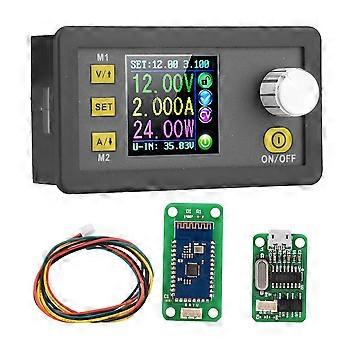
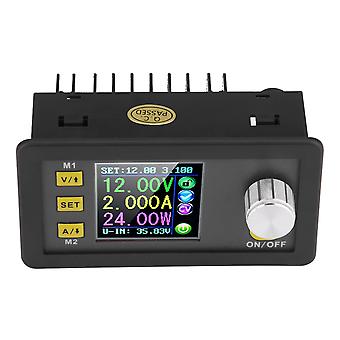
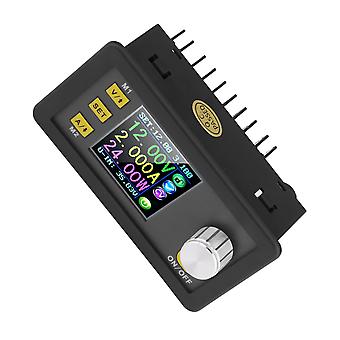
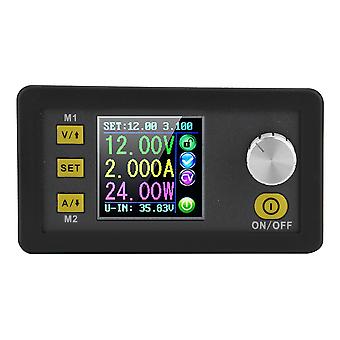
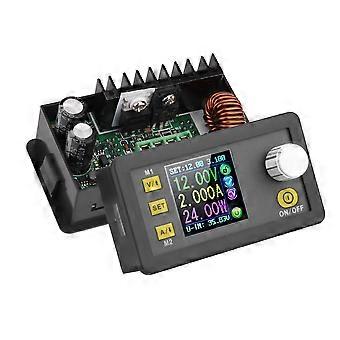
DPS5005 Communication Version Buck Power Supply Step Down Voltage Converter(DPS5005 )
Specification
Note:
1.This is DPS3005 /DPS5005 communication version, there is a communication interface on the back.
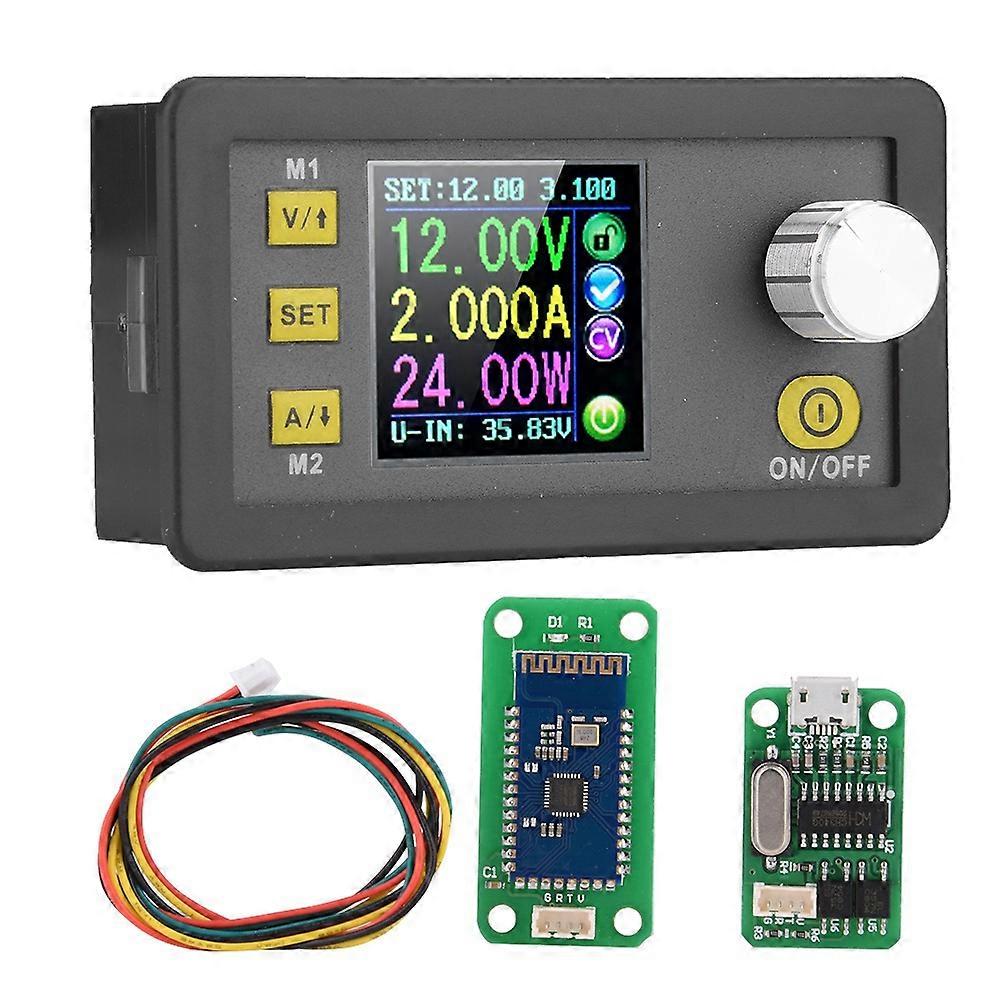
2.USB + Bluetooth means: DPS3005/DPS5005+ USB communication board+ Bluetooth communication Board
A: We have the file for upper computer installation and software, you can contact us.
B: Upper computer installation, connection by USB and Bluetooth video: you can go to RD tech youtube channel to check
3.DPS3005 /DPS5005 have same functions, only the technical parameters are different,for example, voltage, current ,etc.
Very important:
1.Before buying this product, please download the upper computer software and test, if it fits your computer , you can buy
2. the upper computer only support For Win7 and above
Features:
The constant voltage and constant current programmable control power supply module put the collection of analog integration and digital control functions in one.
This module has power-down stored function and can store 10 groups preset value.
And it also has the function of extracting quickly two groups stored value.
Specification:
Model(Optional) DPS3005 DPS5005
Input voltage 6.00-40.00V 6.00-55.00V
Output voltage 0V-32.00V 0V-50.00V
Output current 0-5.000A 0-5.000A
Output power 0-160.0W 0-250.0W
Voltage resolution 0.01V 0.01V
Current resolution 0.001A 0.001A
Size 80*44*45mm/3.1*1.7*1.8in
Weight Approx.138g/4.9oz
Connection description
IN+: Input positive, IN-: Input negative:
OUT+: Output positive, OUT-: Output negative
Note: Input voltage range is DC 6-40V and 40v is the limit voltage; please leave a room to use. Or else it will be burnt. The input must be DC power supply, not AC 220V, or else it will be burnt too. Though this module has reverse connection protection and output short circuit protection, you can muse be in strict accordance with connection description to connect. If you connect the supply power with output, the module will be burnt.
Operating instructions
When connect the power supply, the screen shows welcome window firstly and then comes into main interface.
Set the output voltage and output current on the main interface.
Press V/UPkey shortly, you can enter into voltage setting status. Then press the coding potentiometer, and then enter to adjust the numerical value. Press coding potentiometer to enter into the status of adjusting the numerical value you want to adjust. Turn coding potentiometer to adjust the numerical value. Turn by clockwise rotation to increase the numerical value; Turn by counterclockwise to decrease the numerical value. If you want to exit adjusting the numerical value, press shortly V/UP. In the same time the preset value will be stored. Or you can do nothing in one minute, the status will be automatically existed and the preset will be stored too. You can press A/Downto set the output current by the same way.
Set the data on the data setting interface
On the main interface, you can press SET key shortly to enter into data setting interface. On the data setting interface, press shortly V/UPor A/Down to page up or page down to U-SET or I-SET, and then set the output voltage and output current by same way used in the main interface .
Set the protection value.
Page up or page down to S-OVP, S-OCP or S-OPP place to set over-voltage value , over-current value and over-power value correspondingly; when the value is up to the setting value, output will be closed. And then press shortly the coding potentiometer to enter into the status of adjusting the numerical value you want to adjust. Turn coding potentiometer to adjust the numerical value. If you want to exit adjusting the numerical value, press shortly SET key.
Adjust the brightness of screen.
Page up or page down to B-LED, and then press shortly the coding potentiometer to enter into the status of adjusting the brightness of screen. Turn coding potentiometer to adjust the numerical value you need. If you want to exit adjusting the numerical value, press shortly SET key. There are six brightness levels of LCD screen, 0-5 level. Rank 0 is the darkest; rank 5 is the brightest. You can choose what you like.
Data setting and store the specified data group.
Package list:
1 x Step-Down Module
1 x blueteeth board
1 x USB board
1 x communication cable
-
Fruugo ID:
351821921-766524971
-
EAN:
9308869044946
제품 안전 정보
아래에 설명된 이 제품과 관련된 제품 안전 정보를 참조하십시오.
以下の情報は、この製品を販売する独立したサードパーティ小売業者によって提供されています。
제품 안전 라벨

안전 경고:
Please do not allow your child to handle this product alone to avoid swallowing or other injuries; adult supervision is recommended.