설명
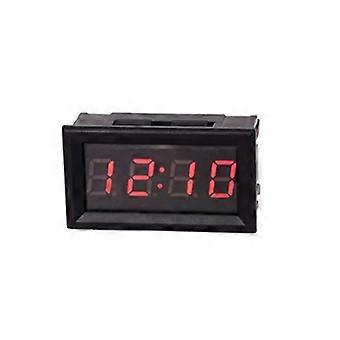
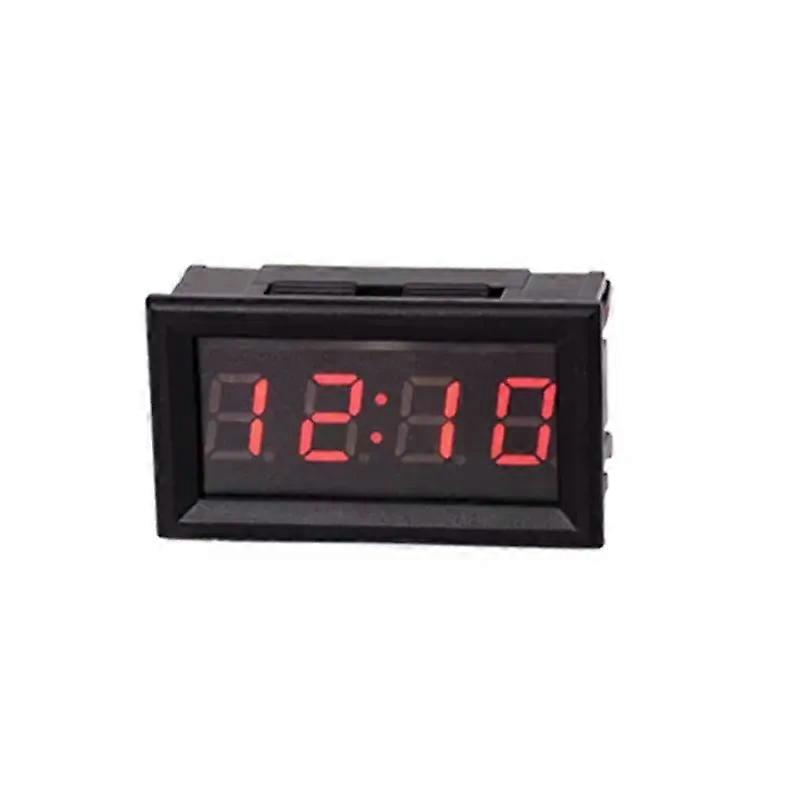
DIY Vehicle Electronic Clock Car Motorcycle Time Display Module Power-Off Memory
DIY Vehicle Electronic Clock Car Motorcycle Time Display Module Shutdown MemoryOOTDTYLED DIY Vehicle Electronic Clock Kit Car Motorcycle Clock LED Digital Power Display Off Memory DC4.5-30V Red Green Blue Product Introduction:1. Supply voltage: DC 4.5-30V2. Operating Current:lt; 20mA3. Power Cord Length:gt; 120mm4. Time accuracy:lt;= 2s/day5. Dsiplay Type: 0.4" LED; Blue6. Appearance size: 48*29*21mm7. Installation threading: 45.5*26.5mm8. Operating temperature: -10 C - 65 C9. Operating Humidity: 10-80%10. Working air pressure: 80-106kPa11. Solar Illumination: No Direct ExposureFeatures:1. Apply one key operation2. Default display: hour, minute, second, date, timer time3. 24 hours of system time display4. Disable memory function5. Wide supply voltage supply voltage: DC 4.5-30V; With anti-transposition function; It is not recommended to use a 24V battery for power supply6. The battery on the clock is used to turn off the memory; After installation, the clock will not display; Connect to the power supply, then it will be onPackage Included:1 * Vehicle Electronic Clock Using Method:1. Power on: following the direction of "up positive" "down minus" to put the CR1220 button battery into the battery slot (note: the battery is not in the package)2. If there is a battery in standby mode and there is no connection to power, the clock will move (connect red positive black negative with power, then it will display 0:00)3. Key Shift Sequence: Hour Minute Mode-Second Mode-Date Mode-Timer Mode4. Mode two:1) in time mode press key, it will display the second one, display format: XX2)No key and press the key for 30s, it will automatically return to hour minute mode3) press again to enter the next mode5. Date Mode:1) in time mode, press the button twice to display the date; display format: X month X day2) after 30 seconds, it will automatically return to minute mode3) press again, it will enter the next mode6. Timer Mode:1) in the time mode, press the button three times, it will display the timekeeping mode; Display Format: 00:.002), if it does not start to time and no key within 30 seconds, press it will go back to Hour Minute Mode3) In Time Mode, press and hold the key that will start from time to time, the point symbol under the colon will flash; If a long press of the key stops time again, the point symbol under the colon will always be on, not flashing; Long press again, it will accumulate the start4) timing clear way: external with red black wire power off, long press the key to 5s5) in the time mode, press the key to switch to the hour minute mode, and also check the date, second7. Time setting:1) in minute mode or second mode, press and hold the key until the "hour" digit flashes, and it means to enter the time hour setting, press the button again to adjust the hour2) after the hour adjustment is completed, press and hold the button until the "minute" digit flashes, and means the minute setting; Press the key again to adjust the minute time3) after the minute adustment is finished, long press the key until the "second" digit flashes, and means enter the second setting; Press once to clear, long press to set the time and save the time that has been set4) during the process of setting the time, if there is no key operation for 30s, it will close the setting will automatically enter the mode8. Date setting:1) in date mode. Long press the key until the number "year" flashes and means enter the setting mode; Press the key again to adjust the year adjustment2) long press the key until the "month" number flashes and it means enter the month setting; Press the button again to set the month3) after themonth regulation is completed, press and hold the button until the "day" digit flashes, and it means enter the day setting; Press the button again to adjust the day; After adjustment, long press the key to end the setting mode and save4) during the setting date process, if there is no key operation within 30 seconds, it will automatically end the setting mode.
-
Fruugo ID:
399838070-851092525
-
EAN:
6935170362839