제품 상세 정보
B+ Pro Keyboard Mouse Controller with Screen for Dual Computer Control and No Software Setup
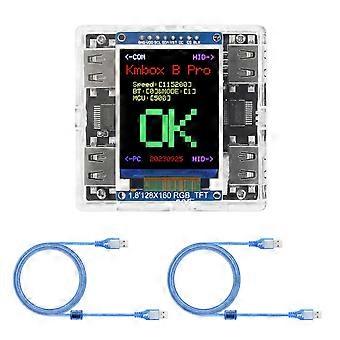
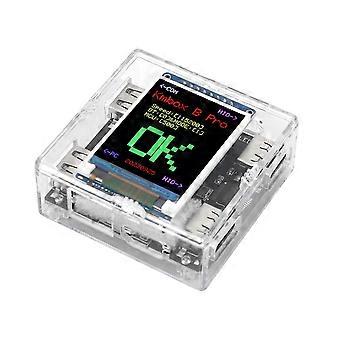
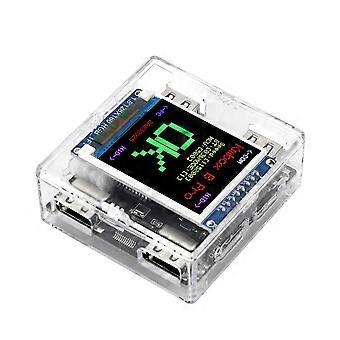
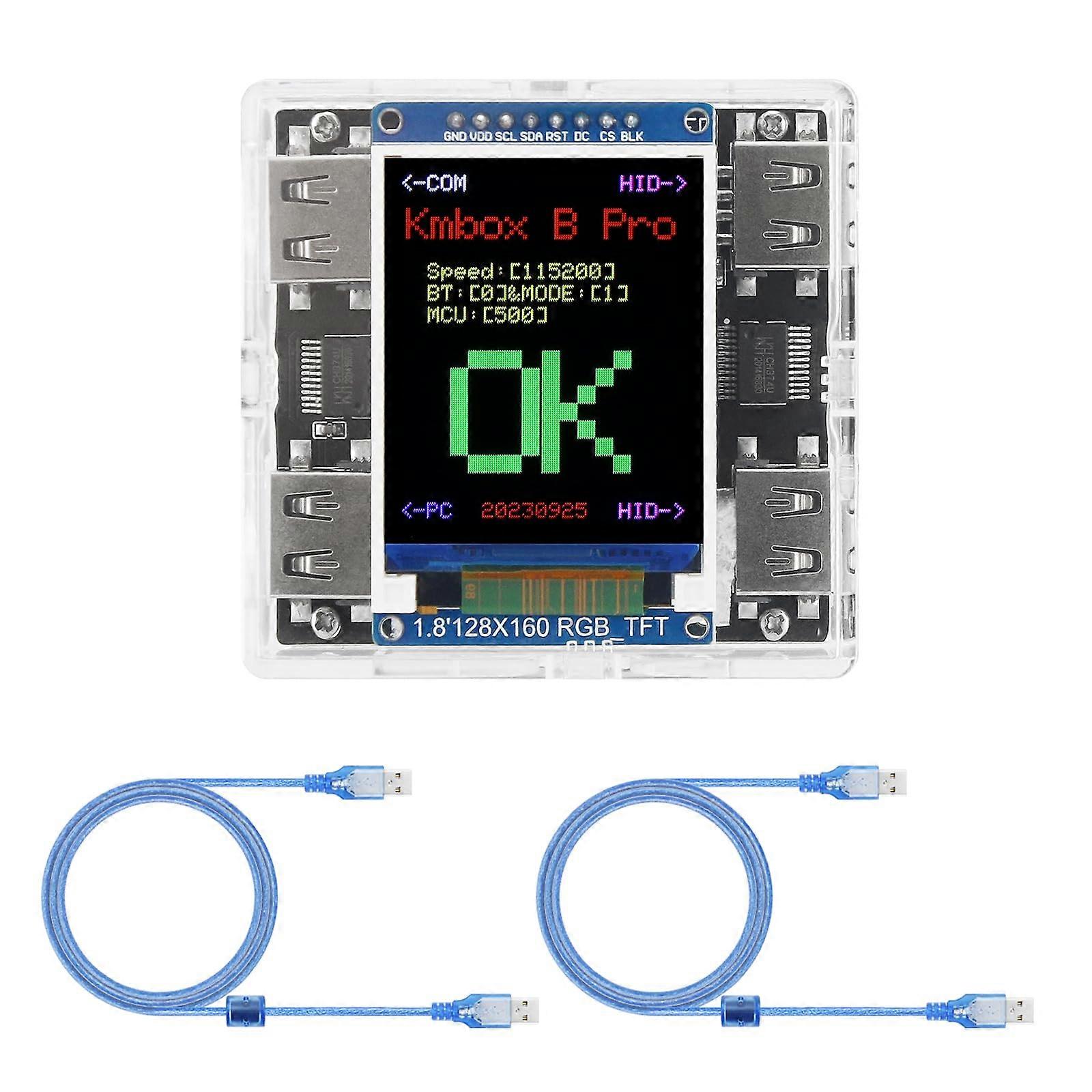
Kmbox B+ Pro DualComputer Control Module
Overview
The Kmbox B+ Pro is an upgraded version of the Kmbox B designed to let one computer control another without installing software on the controlled machine. Computer B runs the control software and uses a dedicated serial connection to operate computer A. The product separates serial communications from the original keyboard and mouse paths, simplifying dualcomputer control and improving stability.
Key benefits
Dualcomputer control with minimal setup: Computer B controls computer A while software runs only on computer B, so no agents are required on computer A.
Isolated communication channel: A dedicated serial port handles control signals separately from keyboard and mouse lines to avoid input conflicts.
Flexible USB port mapping: Builtin USB ports support clear device roles for easy wiring and reliable operation.
Simple driver installation: CH341 serial driver or a driver wizard can be installed for automatic serial port recognition.
Compatible with standard USB keyboards and mice: Use existing peripherals without additional software on the controlled computer.
Features and specifications
Model: Kmbox B+ Pro version, upgraded from Kmbox B.
Control method: Dualcomputer arrangement where computer B controls computer A via a serial port connection. Software runs on computer B only.
Serial connection: The B+ serial port connects to computer A, matching the standalone connection method of the previous B version.
USB port roles: USB receiving port to computer A, USB2 connected to control computer B, USB3 and USB4 dedicated for keyboard and mouse. This configuration enables computer B to control computer A while keeping input devices available.
Driver support: Install the CH341 serial driver where the serial port is plugged in. A driver wizard may be used for automatic installation and reliable serial port detection.
Operation mode: Standalone dualcontrol function with separated communication and input channels.
Compatibility
Works with computers that support standard USB HID for keyboard and mouse and that accept serial communication through a CH341compatible adapter.
No software installation is required on the controlled computer A. Control software runs on computer B.
Typical applications
Development and testing: Run test suites or deployment scripts on one machine while controlling and observing behavior on a second machine without installing agents on the target.
Maintenance and configuration: Remotely configure or update a system that must remain of installed control software, using computer B as the control station.
Kiosk and embedded system management: Operate and troubleshoot a kiosk or other dedicated terminal from a separate workstation while preserving direct keyboard and mouse connections.
Quick setup guide
1. Connect the B+ serial port to computer A.
2. Connect USB2 to the control computer B. Connect USB3 and USB4 to your keyboard and mouse. Connect the USB receiving port to computer A as required by your setup.
3. Install the CH341 driver or run the driver wizard at the serial port insertion point to ensure the serial device is recognized.
4. Launch the control software on computer B and verify that inputs from the keyboard and mouse are handled as expected and that control commands reach computer A.
What this solves
Eliminates the need to install control software on the target machine while providing full control from a host machine.
Prevents interference between serial control signals and keyboard or mouse input by separating communication channels.
Simplifies wiring and driver setup through clear USB port roles and CH341 driver compatibility.
The Kmbox B+ Pro is intended for users who need reliable, agent control of a second computer, including developers, system administrators, and technicians managing dedicated systems.
-
Fruugo ID:
536729849-1086555215
-
EAN:
6428847318401