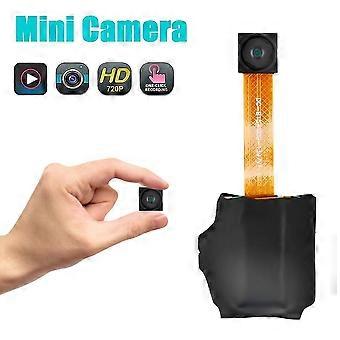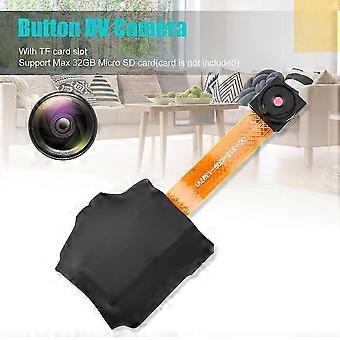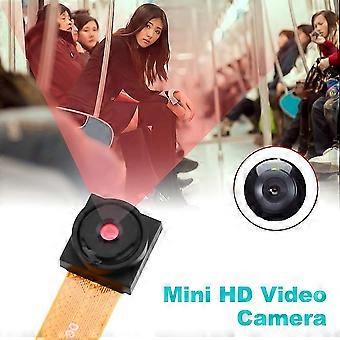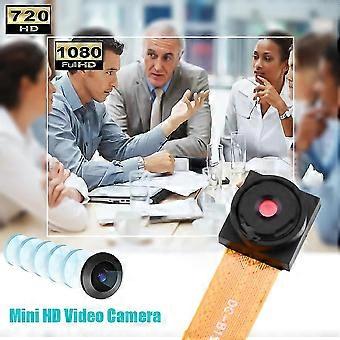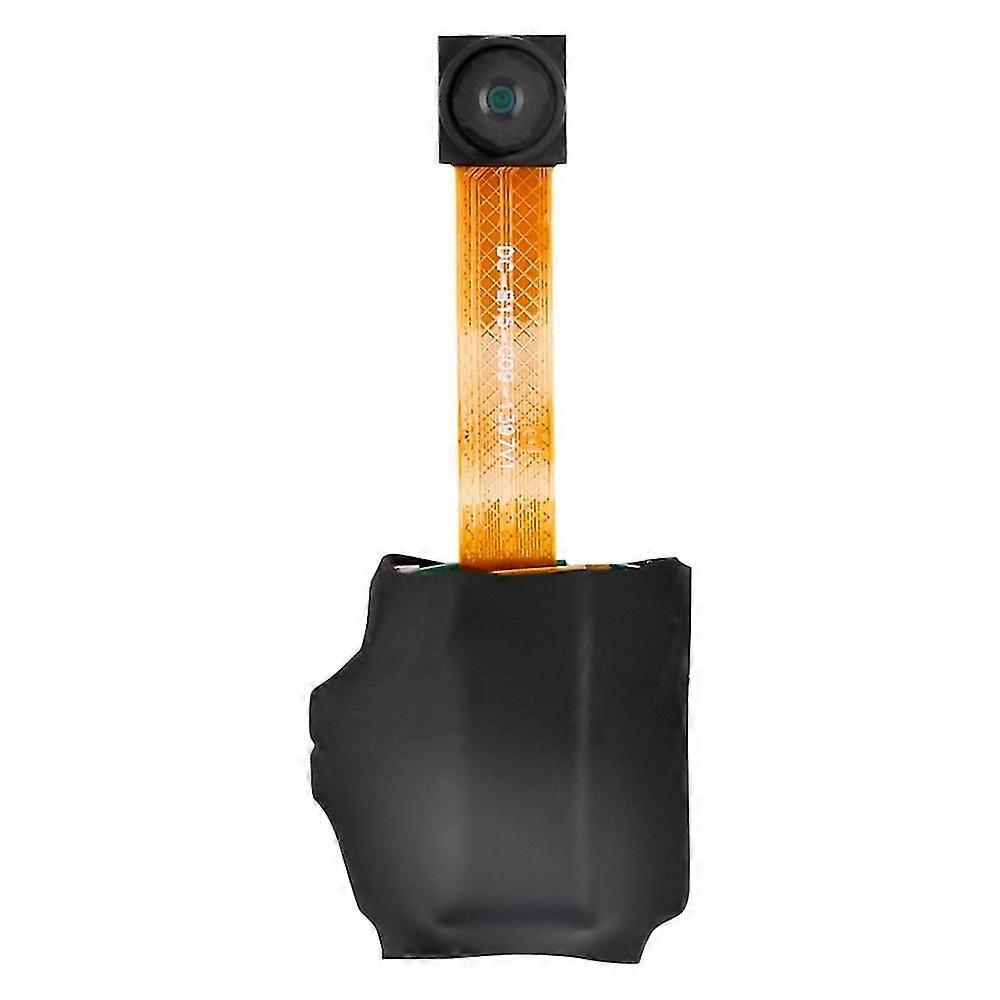
720p Button Dv Camera Mini Video Camera Loop Recording Computer Webcam

₩56,890
+ ₩12,449 배송

720p Button Dv Camera Mini Video Camera Loop Recording Computer Webcam

  • 브랜드: Unbranded

720p Button Dv Camera Mini Video Camera Loop Recording Computer Webcam

  • 브랜드: Unbranded
희망소매가격: ₩121,290
가격: ₩56,890
절약 금액: ₩64,400 (53%)
판매자::
₩56,890
+ ₩12,449 배송

재고 있음

14일 반품 정책

결제 방법:

설명

720p Button Dv Camera Mini Video Camera Loop Recording Computer Webcam

720P Button DV Camera Mini Video Camera Loop Recording Computer Webcam Power On/Off: Press and hold the operation button for 2 seconds; the red indicator light stays on steadily, entering standby mode. To power off, press and hold the operation button for 4 seconds; the red light goes off, and the camera will automatically save the current recording file and shut down Take Photo: When the camera is in standby mode, press the operation button once; the red light flashes once, taking a photo and saving it. After taking a photo, the red light stays on steadily, returning to standby mode Record Video: When the camera is in standby mode, press the power button for 2 seconds; the red light blinks, starting the recording. Press the operation button again, and the red light stays on steadily; the recording file is saved, returning to standby mode Low Battery: If the battery level is low during use, the red light will quickly flash 5 times before shutting down. Files will be saved before shutting down Charging: Connect the device to a computer or power adapter for charging. The red light blinks while charging and stays on steadily when fully charged Move Disk: In the power-off or standby state, connect the camera to a computer. The computer will recognize it as a removable disk, and recorded video files are stored in /-REC/100MEDA directory. When exchanging data with the computer, the blue light will rapidly flash. To safely disconnect, click the removable device icon in the bottom right corner, and wait for the system confirmation before unplugging the camera Time Adjustment: Connect the device to a computer, find the movable disk, and run the "Time Adjustment Tool" to synchronize the device time with the computer time Computer Webcam: In any mode, turn on/off the camera, connect it to the computer's USB port to enter webcam mode. In this mode, you can use the camera as a computer webcam Troubleshooting: Camera shuts down with 5 red light flashes: Check if the memory is full or the battery is low. Delete or back up files if the memory is full, or replace the memory card. Not working: Due to incorrect operations or unknown reasons, reset the device. Package included: 1 x Button DV Camera 1 x Charging Cable 1 x English User Manual
  • 브랜드: Unbranded
  • 카테고리: 카메라
  • Fruugo ID: 343133479-751910777
  • EAN: 8118610965120

제품 안전 정보

아래에 설명된 이 제품과 관련된 제품 안전 정보를 참조하십시오.

以下の情報は、この製品を販売する独立したサードパーティ小売業者によって提供されています。

제품 안전 라벨

CE Mark
안전 경고: Not suitable for children under 36 months
재료: other

배송 및 반품

2일 이내에 발송됨

  • STANDARD: ₩12,449 - 배달 사이 금 09 1월 2026–화 20 1월 2026

중국에서 발송.

당사는 귀하께서 주문하신 제품이 주문 명세에 따라 빠짐없이 배송되도록 온 힘을 기울이고 있습니다. 다만, 주문하신 것과 다른 상품이 배송되거나 빠진 상품이 있는 경우, 또는 주문 내용에 만족할 수 없는 다른 이유가 있는 경우에는 주문 전체나 주문에 포함된 일부 제품을 반품하시고 해당 상품에 대해 전액 환불받으실 수 있습니다. 전체 반품 정책 보기

製品コンプライアンスの詳細

以下に概説されているこの製品に固有のコンプライアンス情報を参照してください。

以下の情報は、この製品を販売する独立したサードパーティ小売業者によって提供されています。

제조사:
다음 정보는 Fruugo에서 판매되는 관련 상품의 제조사 연락처입니다.

  • Qingdao Rinuo Network Technology Co., Ltd
  • Qingdao Rinuo Network Technology Co., Ltd
  • 中国(山东)自由贸易试验区青岛片区前湾保税港区上海路10号1层134室(B)
  • Qingdao
  • China
  • 266000
  • dwct678@163.com
  • 13123456789

EU 내 책임자:
다음 정보는 EU 내 책임자 연락처입니다. 책임자는 유럽 연합에서 판매되는 관련 상품에 대한 준수 의무에 책임을 지는 EU에 기반을 둔 지정 경제 주체를 말합니다.

  • Y & H S.R.L.
  • Y & H S.R.L.
  • Via Gravina 21 MT matera,Trani,Puglia
  • Puglia
  • Italy
  • 75100
  • itlyhsrl@gmail.com
  • 00393917722149