설명
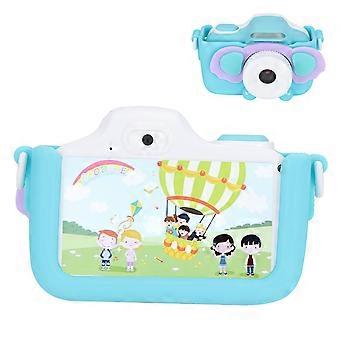
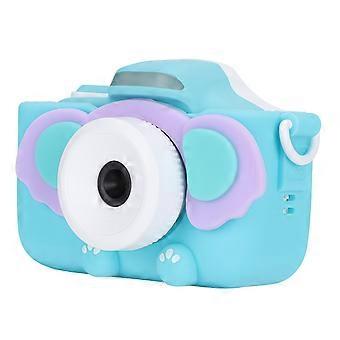
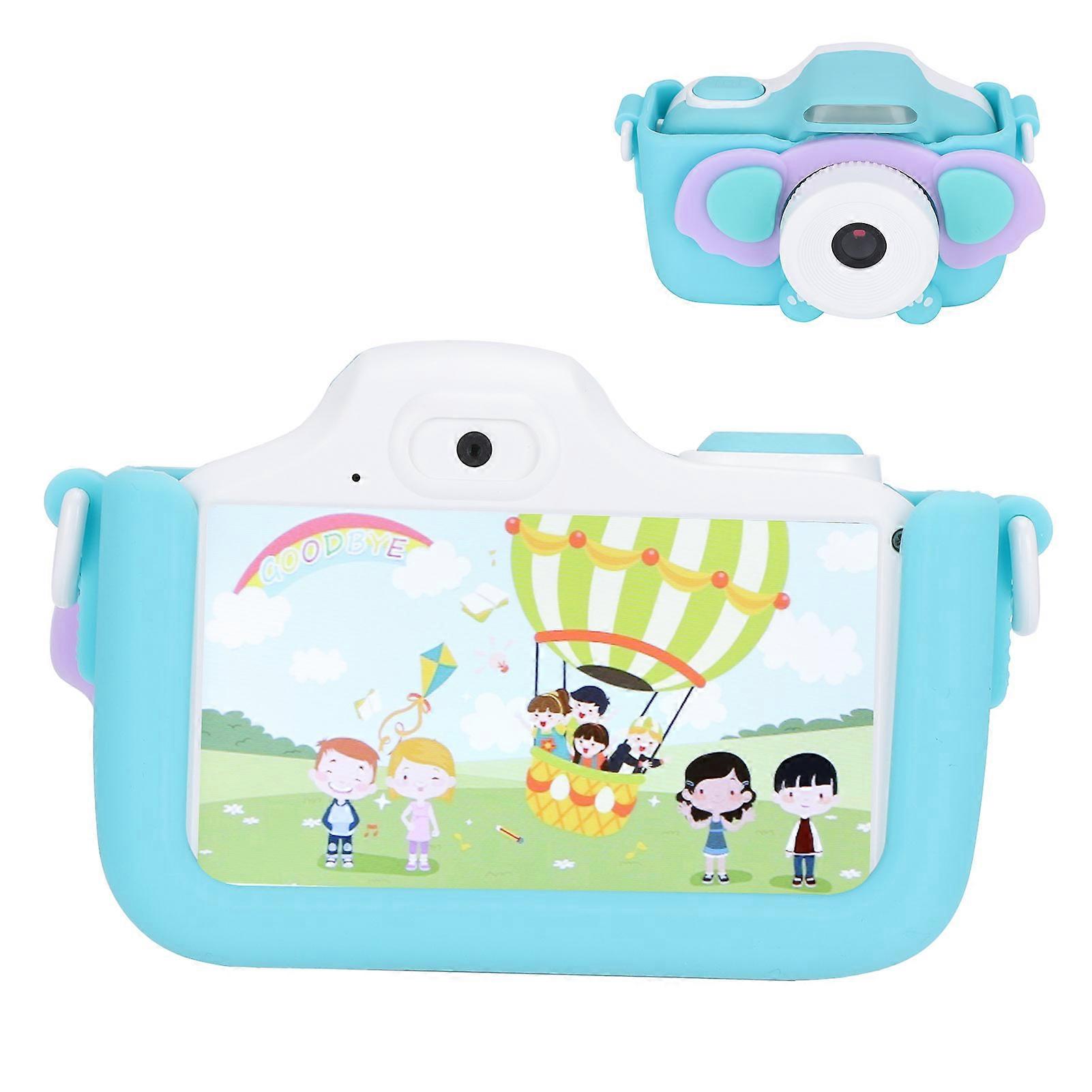
48MP Children Digital Camera 3.0in HD IPS Touch Screen WIFI Video Recording CameraBlue (Elephant Pattern)
48MP Children Digital Camera 3.0in HD IPS Touch Screen WIFI Video Recording CameraBlue (Elephant Pattern)
Item Type: Children CameraMaterial: ABS+SiliconeWeight: Approx. 259.0g/9.1ozModel: YT-006Screen: 3.0in IPS Color HD Touch Screen
Pixel: 48MP
Video Resolution: 1080P
Functions: Take photos, videos, games, etc.
Storage: Support up to 32GB Memory Card (not Included)
Battery Type:1000mah Lithium Battery(Include)
Charging Time: 2-3 Hours
Working Time: 5-8 HoursHow e:
Photograph Mode:
1. Tap the switch lens icon on the right side of the interface to switch between different cameras.
2. Tap the photo icon at the bottom right of the interface to select different photo stickers.
3. Tap the left and right icons to switch between different photo stickers, and tap the close icon in the center to exit photo stickers.
4. Tap the shutter button on the upper right corner of the body to take a photo.
5. Tap the return icon at the bottom left of the interface to return to the main interface.
Video Mode:
1. Tap the switch lens icon on the right side of the interface to switch between different cameras.
2. Tap the shutter button on the upper right corner of the body to record or stop recording.
3. Tap the return icon at the bottom left of the interface to return to the main interface.
WiFi Transmission:
1. Scan the corresponding QR according to the mobile phone system to download for BiBi Cam software.
2. Tap the setting button to enter the setting mode.
3. Tap the left selection key or the right selection key to select the mode of (WIFI connection).
4. After the camera enters (WIFI connection) mode, you will see the camera screen display SSID: Children's camera.
5. Open the mobile phone WIFI interface, connect to the WIF named Children's camera and open for BiBi Cam software to transfer or download photos. (When the mobile phone is connected to the WIFI named Children's camera, the mobile phone will not be able to access the Internet. This is normal. As long as the WIFI is disconnected, the mobile phone can resume normal Internet access)
-
Fruugo ID:
414317698-875262657
-
EAN:
9301338249170