설명
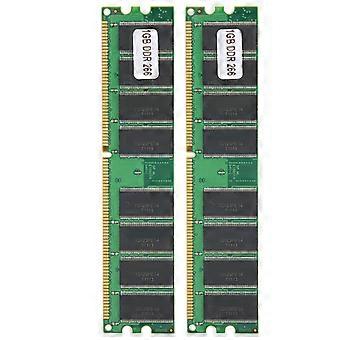
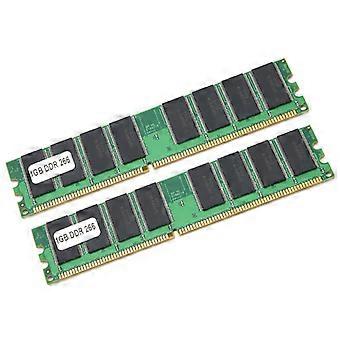
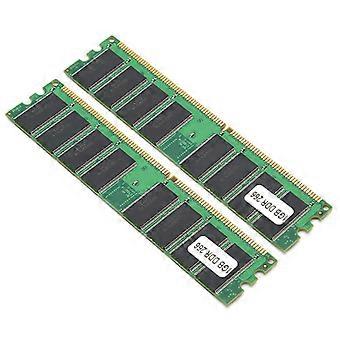
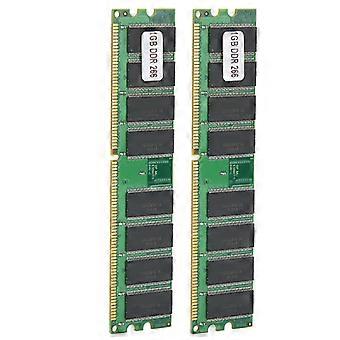
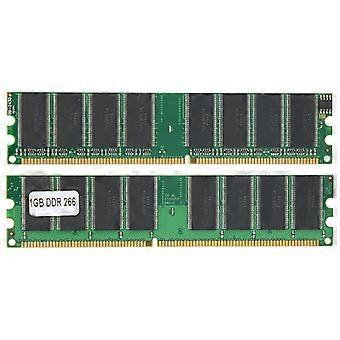
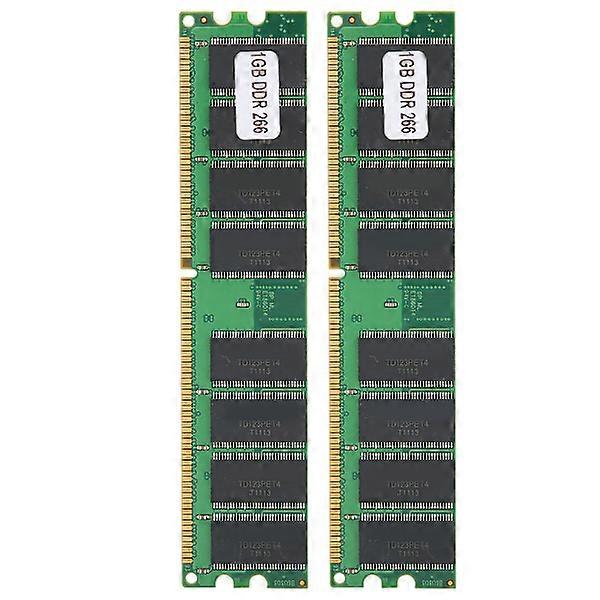
2pcs 1GB DDR 16-Chip Computer Memory Modules for AMD
Welcome to the store!
1. This memory module boasts excellent compatibility and stable operation, preventing blue screens and boot failures.
2. Enjoy high-temperature resistance and rapid heat dissipation, boosting your computer's memory and overall performance.
3. Experience powerful performance with high-quality memory chips, ensuring smooth operation whether you're gaming or working.
4. Rigorous system inspections and large-scale, high-precision testing guarantee the quality of every memory module.
5. Its compact size makes it easy to carry and store, offering convenience and practicality.
Item Type: Memory Module
Model: DDR
Memory Frequency: 226MHZ
Memory Capacity: 1GB
Compatibility: For AMD
Applicable Computer: Desktop Computer
Bandwidth: PC-2100
Voltage: 2.5V
Pin Number: 184pin
Note:
1. Memory is divided into memory cards, DDR, DDR2, DDR3 models. Please check the following list to know which memory is installed in your computer and which memory you need to buy. If you don't know which memory is right for your computer, use the software test to see which memory your favorite computer needs. After running the software, look at the \"Max Bandwidth\" column in the \"SPD\" option, and you will see \"PCxx00\", as follows:
PC2100 is DDR 266 memory
PC2700 is DDR 333 memory
PC3200 is DDR 400 memory
PC4200 is DDR2 533 memory
PC4300 is DDR2 533 memory
PC5300 is DDR2 667 memory
PC6400 is DDR2 800 memory
PC8500 is DDR3 1066 memory
PC10700 is DDR3 1333 memory
PC12800 is DDR3 1600 memory
DDR, DDR2 and DDR3 memory are not common to each other, and the sockets are different, and you can't force the overlord to insert it, so as not to damage the memory and motherboard, remember!
2. If the memory appears: Blue screen, crash, restart, and the alarm continues to beep, please operate according to the following methods one by one, if not, it is determined that it is not compatible.
Try the following methods:
a. The memory is not inserted correctly, or the gold finger is oxidized. Use an eraser to remove the memory finger and then insert it again, or replace the socket;
b. The memory socket is dusty or oxidized. Use a brush and washing water to clean it (if you don't have washing water, just brush it down)
c. The memory is not compatible, try another memory.
d. CMOS is not discharged to restore factory settings, it may be normal (the motherboard battery is removed and then put back).
e. The motherboard is not compatible with the CPU, try changing the CPU
2 x Memory Module
Your satisfaction is our top priority. We will provide you with the best service. If you find any problems after receiving the product, such as damage, incorrect quantity, etc., please contact us immediately and we will provide you with the best solution!
-
Fruugo ID:
396694963-846775572
-
EAN:
6903821144035
제품 안전 정보
아래에 설명된 이 제품과 관련된 제품 안전 정보를 참조하십시오.
以下の情報は、この製品を販売する独立したサードパーティ小売業者によって提供されています。
제품 안전 라벨

안전 경고:
Not suitable for children under 36 months
재료:
Plastic 5%